
Our verdict:
Best for most gaming and streaming setups
Best for most gamers who want 1080p high and 1440p in many games, with room to grow.
View at MSIKeep in mind: the Core i5 is fine for gaming but not the fastest for heavy creative work.
Prebuilt Gaming PCs
The short answer
If you stream, record or edit as well as game, a good prebuilt has 32GB of memory, an 8-core or larger processor and a named power supply. The MSI Codex R2 suits most people. The Legion Tower 5 and Skytech Azure 3 handle heavier work.
MSI Codex R2 (RTX 5070)View at MSIRead our analysis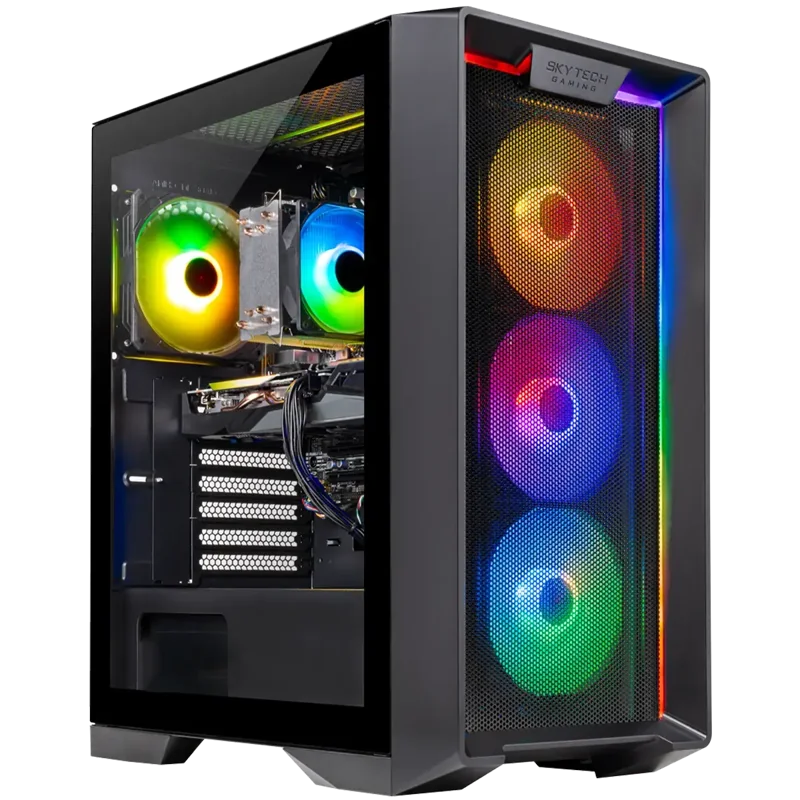 Skytech Nebula (RTX 5060 Ti)View at SkytechRead our analysis
 Lenovo LOQ Tower (RTX 5060 Ti)View at LenovoRead our analysis
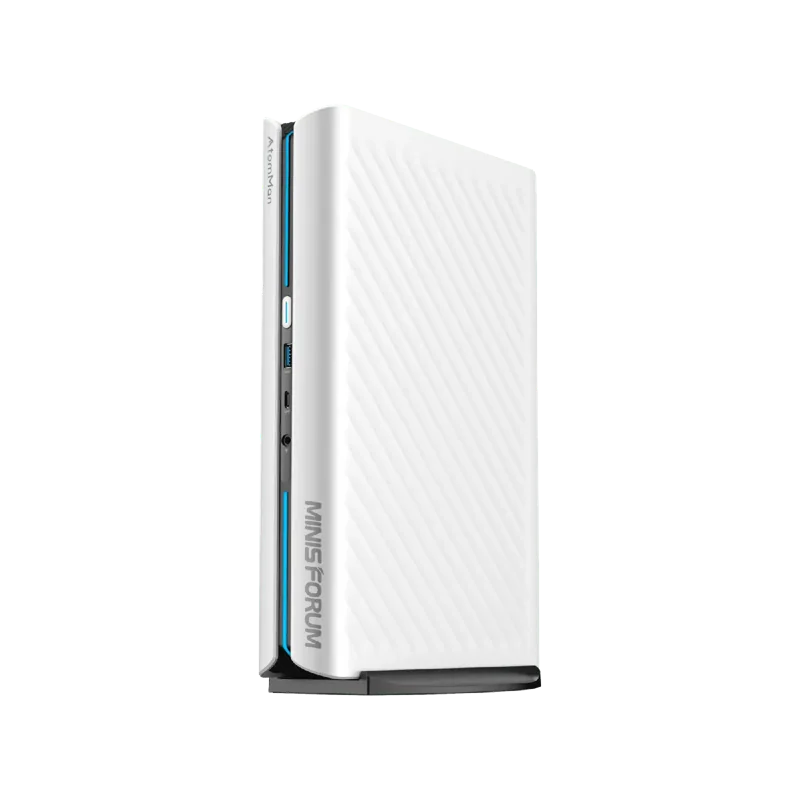 MINISFORUM G1 Pro (RTX 5060)View at MINISFORUMRead our analysis
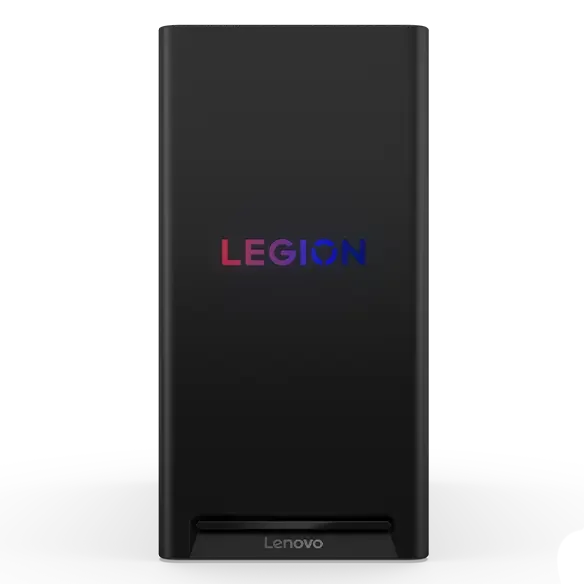 Lenovo Legion Tower 5 (RTX 5070 Ti)View at LenovoRead our analysis
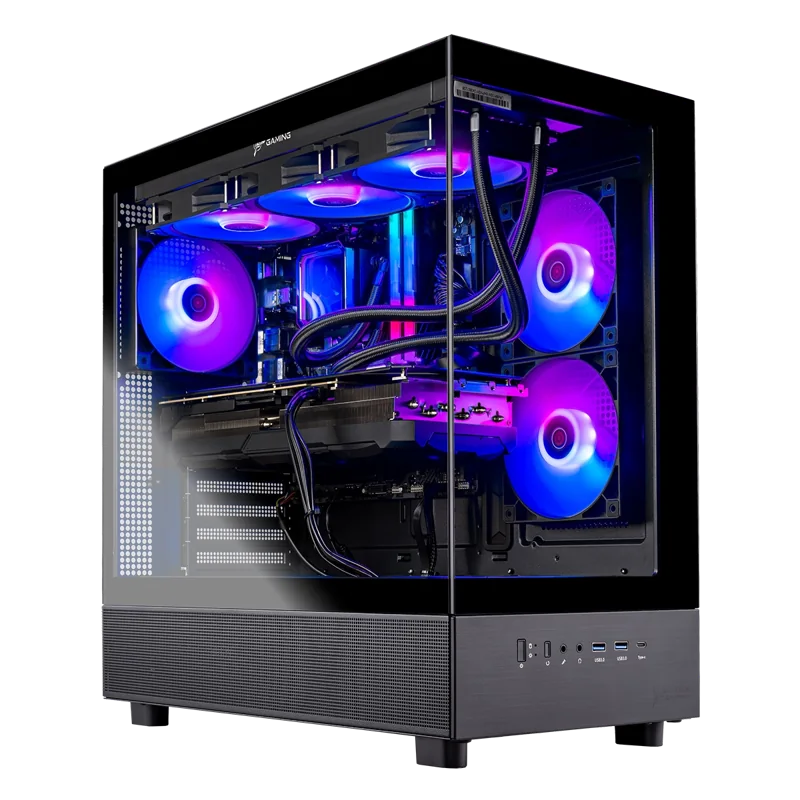 Skytech Azure 3 (RTX 5080)View at SkytechRead our analysis
A good prebuilt gaming PC saves you the time and risk of building, and it should cost only a little more than the parts. The catch is that prebuilt listings are written to sell. The best way to find a good one is to know the handful of details that separate a well-built system from one that cuts corners where you can't see.
Short answer: for gaming plus streaming, recording or editing, buy a prebuilt with 32GB of memory, an 8-core or larger processor, a named power supply and airflow to match. Every pick below ships with 32GB.
This guide takes a different angle from our best gaming PC roundup. Those picks are for playing games. These are for people who also run a stream, record gameplay or edit video on the same PC, where memory and processor cores matter more.
NVIDIA's RTX 50 series page lists the current desktop graphics cards and their specs.
We chose these from current US listings and each builder's published specs.
Our verdict:
Best for most gaming and streaming setups
Best for most gamers who want 1080p high and 1440p in many games, with room to grow.
View at MSIKeep in mind: the Core i5 is fine for gaming but not the fastest for heavy creative work.
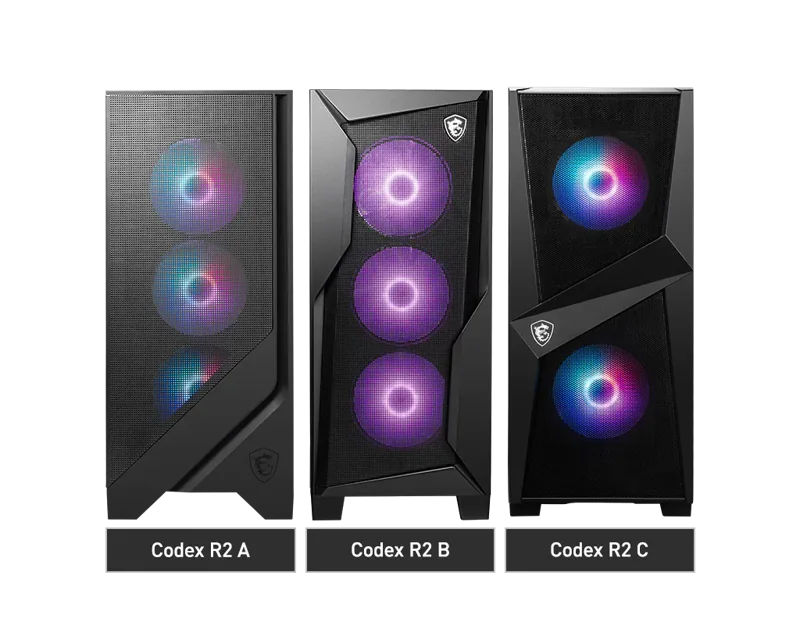
The Codex R2 pairs an RTX 5070 with 12GB of GDDR7, a Core i5-14400F and 32GB of DDR5, with a 1TB NVMe SSD, four-fan airflow and Wi-Fi 6E. MSI states it is built on standard parts, so adding storage for recordings later is simple.
Our verdict:
Best 8-core value for streaming
Best for high settings at 1080p with a processor that has room to grow.
View at SkytechKeep in mind: the 8GB RTX 5060 Ti is best kept at 1080p in the newest games.
This Skytech system pairs an 8GB RTX 5060 Ti with an 8-core Ryzen 7 7700 and 32GB of memory, plus a 1TB SSD. The extra cores help when the game and your streaming software run at the same time. Keep games at 1080p on the 8GB card.
Lenovo LOQ Tower (RTX 5060 Ti)
Our verdict:
Best for recording at 1080p
Best for 1080p high and some 1440p gaming with generous memory.
View at LenovoKeep in mind: the processor is a mobile-class chip, which limits CPU upgrades.
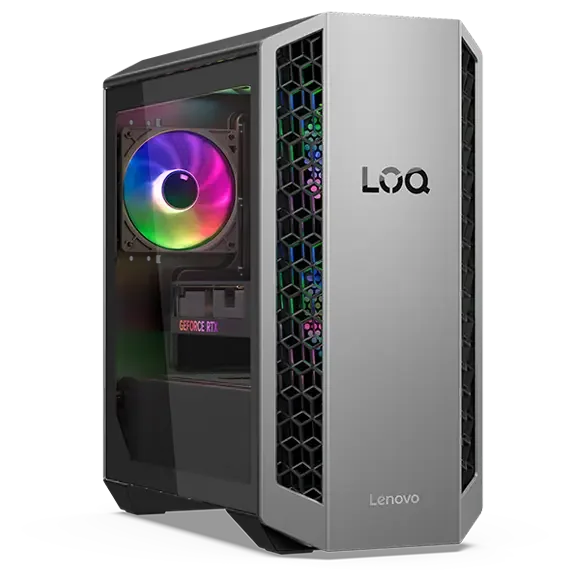
The LOQ Tower pairs an RTX 5060 Ti with an 8-core Ryzen 7 8745HX, 32GB of memory and a 1TB SSD. That is plenty of memory for recording gameplay while you play. Its 500W power supply leaves less room for a much bigger GPU later.
Our verdict:
Best small PC for creators
Best for 1080p gaming from a small box with plenty of memory.
View at MINISFORUMKeep in mind: a smaller brand, so check warranty and support terms before you buy.
The G1 Pro fits a 16-core Ryzen 9 8945HX, a desktop RTX 5060 and 32GB of DDR5 into a mini PC, with 5GbE, Wi-Fi 7 and support for four 4K screens. The 16 cores suit video exports and multitasking. Check the warranty terms, since it is a smaller brand.
Lenovo Legion Tower 5 (RTX 5070 Ti)
Our verdict:
Best for 1440p gaming and streaming
Best for high settings at 1440p with a top gaming processor.
View at LenovoKeep in mind: check the power supply rating before planning a bigger GPU later.
The 2026 Legion Tower 5 pairs an RTX 5070 Ti with an 8-core Ryzen 7 9800X3D, 32GB of memory and a 1TB SSD. It has the headroom to stream at high settings at 1440p.
Keep in mind: overkill for a 1080p monitor; spend the difference on a better screen.
The Azure 3 pairs an RTX 5080 with 16GB of video memory and a Ryzen 7 9800X3D, with 32GB of DDR5-6000 and a 2TB NVMe SSD. The large drive holds recordings and projects, and the 850W Gold power supply and 360mm liquid cooler handle long exports.
1. Every part is named. A good listing gives the exact GPU, processor, memory speed, SSD type and power supply. Vague labels like "gaming graphics" or "high-performance power supply" hide cheap parts.
2. A named power supply with a rating. The power supply feeds everything. Look for wattage and an 80 PLUS rating. Skytech, for example, lists an 850W Gold unit in its Azure 3.
3. Memory in two sticks. Two sticks run in dual-channel mode and perform better than one. Some listings say "16x1," meaning a single stick.
4. Real airflow. A mesh or perforated front, and at least three fans for mid-range and higher systems.
5. Standard parts. Standard motherboards, power supplies and cases make upgrades and repairs easy.
6. A clear warranty. The length, whether it covers parts and labor, and whether repairs are on-site or mail-in.
7. No bloatware. Several builders state their systems ship without extra trial software.
None of these alone makes a PC bad, but each one is worth weighing.
If you can't find items 1, 4 or 6, ask the seller or move on. Our budget gaming computer checklist explains each spec in depth.
Buy from a store or seller with a clear return window. Check who sells and ships the PC and who handles the warranty. Some listings are sold by resellers who change parts, such as the memory or storage. That can be fine, but confirm that the builder's warranty still applies.
A good prebuilt with standard parts can last many years, because you can upgrade it one part at a time. The graphics card is usually the first part to replace. With a quality power supply and a roomy case, that swap is simple. Keep the vents clean and the drivers updated, and the rest of the system should keep going.
A good prebuilt costs a little more than the same parts, but saves an afternoon and covers the whole system with one warranty. If you enjoy hands-on projects, building gives you full control; our PC builder hub has a budget planner and step-by-step guides.
No power supply details. A good builder names the unit. A missing spec often means a basic supply.
"Gaming" in the title, no GPU model. This usually means graphics built into the processor.
Single memory stick. Look for "16x1" or "1x16GB." It works, but two sticks run faster.
No warranty terms. Known builders state their warranty plainly.
Only RGB photos. Lighting doesn't tell you anything about the parts. Look for a photo of the case front and a full spec list.
A seller you can't identify. Buy from the builder or a store with clear return terms.
A good prebuilt gaming PC names every part, uses a rated power supply and two memory sticks, breathes through a mesh front, and comes with a clear warranty. If you also stream, record or edit, add 32GB of memory and 8 or more cores. The MSI Codex R2 is our pick for most people. The Skytech RTX 5060 Ti system is the 8-core value choice, and the Legion Tower 5 and Skytech Azure 3 handle heavier work. For more systems across budgets, see our best gaming PC roundup and our cheap gaming PCs hub.
Yes, from builders who name their parts and state their warranty. You save the time and risk of a first build, and one company covers the whole system. The price gap to building yourself is often small.
The power supply, memory configuration and airflow. Watch for unnamed power supplies, a single memory stick, and glass-front cases with few fans.
Most from system builders, yes, because they use standard parts. Some big-brand prebuilts use custom motherboards or power supplies that limit upgrades. Check before you buy if you plan to upgrade.
No brand wins at every price. Judge the specific model on its GPU, power supply, memory, cooling and warranty. Our best brand gaming PC guide compares the builders.
Some do. Several builders, such as iBUYPOWER and Skytech, state their systems ship without extra trial software. If a PC arrives with apps you don't want, uninstall them in Windows settings.
At least one year of parts and labor. Check who pays shipping for repairs and whether the builder offers on-site service. Alienware's Aurora listing includes one year of Dell on-site service.