
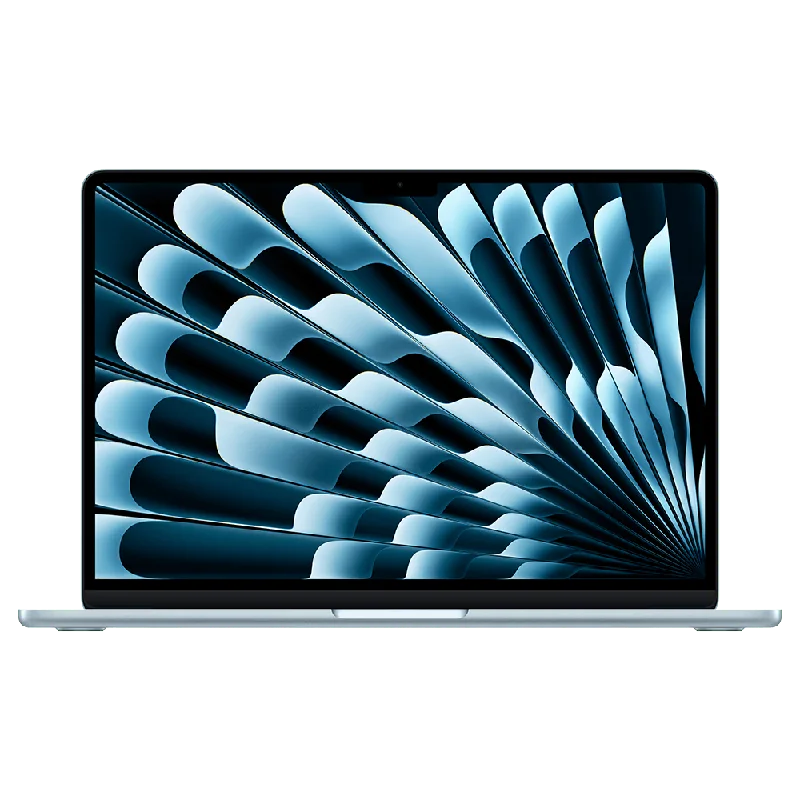
Our verdict:
Best for Most Developers
Best for students and web developers who want a light, quiet laptop with long battery life.
View at AppleKeep in mind: 256GB of storage fills quickly and cannot be upgraded later.
Programming Laptops

The short answer
The best laptop for programming for most developers is a MacBook Air with an M-series chip and 16GB of memory, which pairs long battery life with a sharp screen. Choose a ThinkPad T14 Gen 6 with 32GB if you work on Windows or Linux and run containers, and a laptop with an NVIDIA GPU, like the Lenovo LOQ 15, if you do game development or CUDA work.
Apple MacBook Air 13 (M4)View at AppleRead our analysis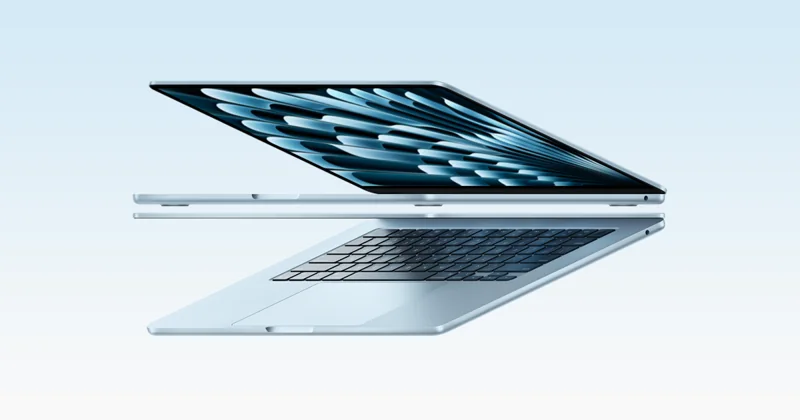 Apple MacBook Air 13 (M5)View at AppleRead our analysis
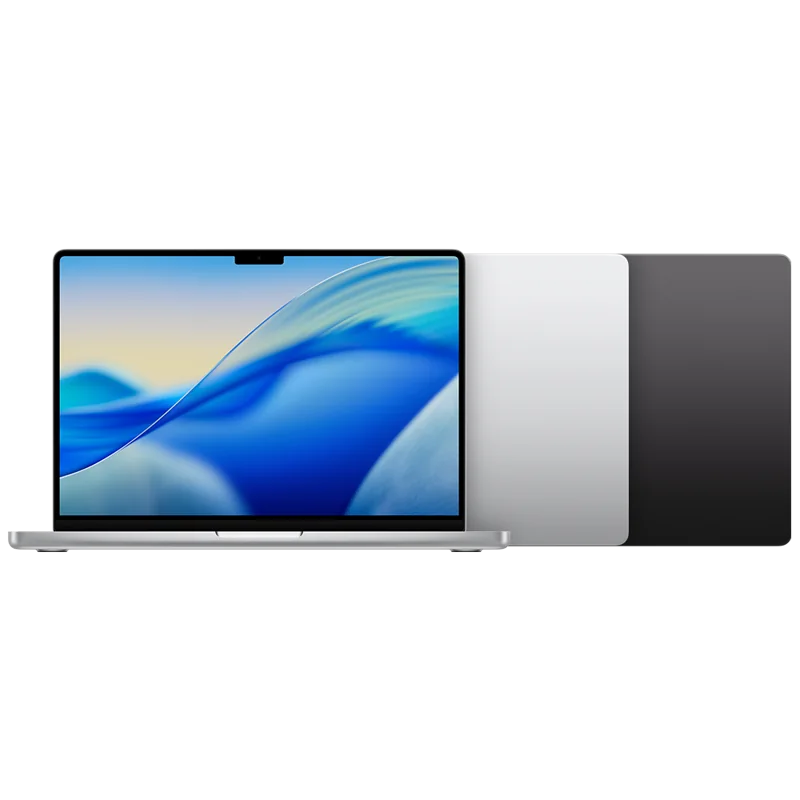 Apple MacBook Pro 14 (M5)View at AppleRead our analysis
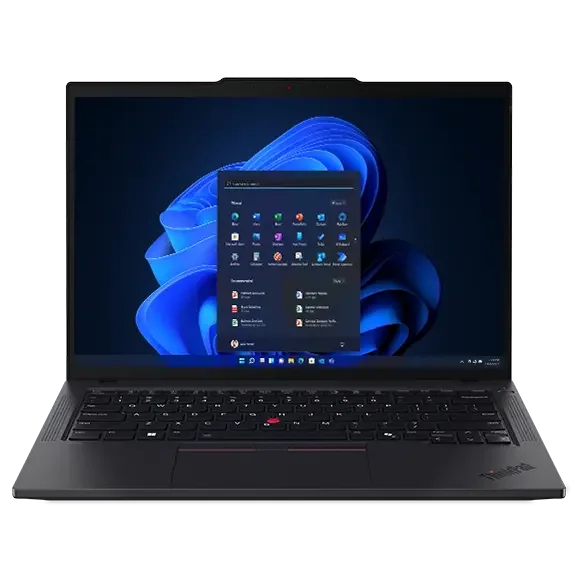 Lenovo ThinkPad T14 Gen 6 (32GB)View at LenovoRead our analysis
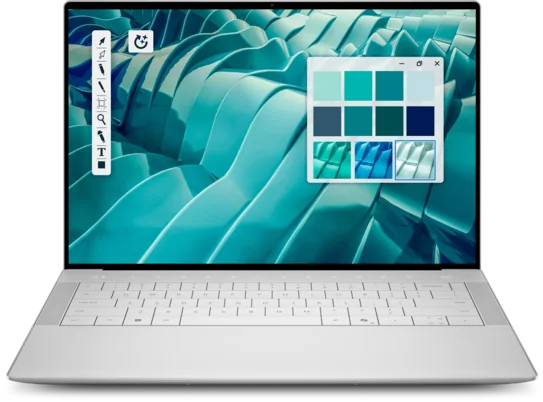 Dell XPS 14View at DellRead our analysis
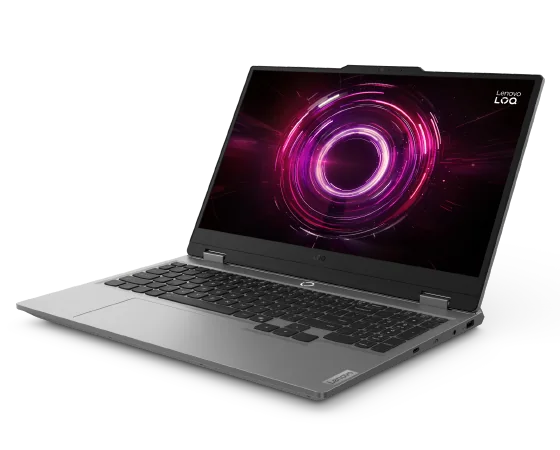 Lenovo LOQ 15 (RTX 5060)View at LenovoRead our analysis
The best laptop for programming is the one that stays out of your way: fast enough that builds don't stall, with enough memory for your tools, a screen that shows a lot of code, and a keyboard you enjoy for hours. The right pick depends on what you build and which operating system your tools need.
Short answer: most developers should buy a MacBook Air with an M-series chip and 16GB of memory. Choose a ThinkPad T14 Gen 6 with 32GB for Windows or Linux work with containers, and a laptop with an NVIDIA GPU for game development or CUDA.
This hub covers programming laptops: our picks first, then how to choose one for the kind of code you write.
WSL, Microsoft's Windows Subsystem for Linux, lets you run Linux tools on a Windows laptop.
We chose these from current US listings and each maker's published specs.
Our verdict:
Best for Most Developers
Best for students and web developers who want a light, quiet laptop with long battery life.
View at AppleKeep in mind: 256GB of storage fills quickly and cannot be upgraded later.
The M4 MacBook Air comes with 16GB of unified memory, a 13.6-inch Liquid Retina display and Apple's rating of up to 18 hours of battery life. It has two Thunderbolt 4 ports, MagSafe charging and Wi-Fi 6E, and supports up to two external displays. The base 256GB of storage is tight for developers, so consider a larger configuration if you can.
See the MacBook Air 13 (M4) in our best budget laptop for students roundup.
Our verdict:
Best for more storage
Best for most students who want a light Mac with enough storage for a whole degree.
View at AppleKeep in mind: macOS does not run some engineering and Windows-only course software.
The M5 MacBook Air keeps the same thin design with the newer M5 chip, 16GB of memory and 512GB of storage, which suits development better than 256GB. It adds Wi-Fi 7 and Bluetooth 6 through Apple's N1 wireless chip.
Our verdict:
Best Mac for Heavy Builds
Best for photographers and developers who need a bright, color-accurate screen and fast exports.
View at AppleKeep in mind: 16GB of memory is fixed, so heavy multitaskers should look at the M5 Pro.
The 14-inch MacBook Pro with M5 has a 10-core CPU and 10-core GPU, 16GB of unified memory, and a bright 14.2-inch Liquid Retina XDR display. It suits developers with large builds who also want a brighter, better screen.
See the MacBook Pro 14 (M5) in our best laptop for photo editing roundup.
Lenovo ThinkPad T14 Gen 6 (32GB)
Our verdict:
Best for Windows and Linux
Best for Windows and Linux development, containers and long days on battery.
View at LenovoKeep in mind: integrated graphics only, so no GPU work or modern gaming.
The ThinkPad T14 Gen 6 pairs an Intel Core Ultra 7 255U with 32GB of DDR5 and a 512GB SSD. It has a 14-inch 1920 x 1200 anti-glare screen, two Thunderbolt 4 ports, HDMI and wired Ethernet, and supports up to three external monitors. It meets MIL-STD-810H test standards and ships with Windows 11 Pro.
Our verdict:
Best Windows Screen
Best for a premium Windows laptop with a sharp OLED screen for work and study.
View at DellKeep in mind: no dedicated gaming GPU and 16GB of memory is fixed for heavy work.
The XPS 14 pairs a 16-core Intel Core Ultra 7 255H with 16GB of LPDDR5X and a 1TB SSD. Its 14.5-inch 3200 x 2000 OLED touchscreen is very sharp for its size, and it has three Thunderbolt 4 ports and Wi-Fi 7. The memory is soldered, so choose 16GB knowing you can't add more.
Our verdict:
Best for Game Development and CUDA
Best for most people who want 1080p gaming at high settings for sensible money.
View at LenovoKeep in mind: a plain design and a 512GB drive that fills quickly.
If you build games or train models locally, you need a real GPU. The LOQ 15 pairs an RTX 5060 with a Ryzen 7 250 and 16GB of DDR5 you can expand to 32GB. It is heavier and has shorter battery life than a thin laptop, but it runs game engines and CUDA workloads that thin laptops can't. See our best gaming laptop guide for more GPU laptops.
See the Lenovo LOQ 15 in our best gaming laptops roundup.
Memory first. Your editor, browser, terminals and any containers all share memory. 16GB is the minimum. 32GB is worth it for Docker, virtual machines, emulators or data work. Docker Desktop's requirements are a useful reference if you run containers on Windows.
Processor second. Any current mid-range chip compiles code quickly. More cores help with large builds and test suites.
Storage. 512GB is the floor. Toolchains, SDKs, containers and project folders add up fast, so 1TB is safer.
Screen. More pixels show more code. Look for 1920 x 1200 or sharper, ideally with a taller 16:10 shape. A matte or anti-glare panel is easier on the eyes over long sessions.
Keyboard. You will type all day. Comfortable key travel and a sensible layout matter more than most specs.
Ports. Thunderbolt or USB-C with display output lets you connect external monitors, which most developers use at a desk.
Battery. A laptop that lasts a full day unplugged makes working from anywhere easy.
| If you build... | Choose |
|---|---|
| iOS or macOS apps | macOS. Xcode only runs on a Mac |
| Web apps and back-end services | Any: macOS, Windows with WSL, or Linux |
| Android apps | Any. Android Studio runs on all three |
| Windows desktop apps or.NET on Windows | Windows |
| Machine learning with CUDA or game development | Windows or Linux with an NVIDIA GPU |
Scroll for more →
Every guide in this section:
The best laptop for programming for most developers is a MacBook Air with 16GB of memory. The M5 model's 512GB of storage suits development better than the M4's base 256GB. Choose the MacBook Pro 14 for heavy builds, the ThinkPad T14 Gen 6 with 32GB for Windows and Linux work, and the Lenovo LOQ 15 if you need an NVIDIA GPU for game development or CUDA. Students choosing a laptop for a computer science degree should also read our best laptops for engineering students guide.
16GB is enough for most web and app development. Choose 32GB if you run Docker containers, virtual machines, Android emulators or large data sets alongside your editor and browser.
Yes, for most developers. macOS is Unix-based, so command-line tools work much like they do on Linux servers, and a Mac is required for building iOS and macOS apps with Xcode. Choose Windows or Linux instead if your work depends on Windows-only tools or NVIDIA CUDA.
Not for most coding. You do need one for game development, 3D work, or training machine learning models locally with CUDA, which requires an NVIDIA GPU.
It can be, especially for game development or GPU computing. The trade-offs are weight and battery life. For everyday coding, a thin laptop with a good keyboard and screen is more comfortable.