
Components
Choosing a CPU for Gaming and Everyday PC Work
The short answer
Choose the CPU with the motherboard, memory and cooler as one purchase. A faster chip can be poor value if the platform change costs more than the performance you need.
Last updated October 2026
What's covered8
A good CPU for gaming needs to keep up with the game and the graphics card. It also has to fit the rest of the machine. Start with the work you do and the hardware you already have, then compare complete upgrade paths.
Find the actual limit
Low frame rate does not always mean the CPU is too slow. The GPU, game settings, memory and background work can matter. Look at tests using the games you play and a similar graphics card. A CPU test run with a much faster GPU can exaggerate the difference you would see at home.
For high-refresh games, slower frame delivery matters as well as the average. For ordinary work, consider how responsive your actual applications feel. For editing or compilation, use tests for those tasks rather than borrowing a gaming ranking.
Compare two kinds of upgrade
Keep the platform: check whether the board supports a useful newer CPU with the correct BIOS. This can save the cost of new RAM and a motherboard, but compatibility must be explicit.
Change the platform: add the board, memory, cooling and any other needed parts to the CPU price. Compare the total with a complete system. Our PC budget planner helps keep one component from using money needed elsewhere.
Socket, chipset and BIOS
The socket is a first check, not final approval. The board maker's CPU support list should name the exact processor and minimum BIOS. If an update is needed, find out whether the board can update with your current CPU or has a supported CPU-free method.
Do not buy first and assume every board with the socket works. Use our PC build guide for the wider checklist. Keep the model and revision of the motherboard in your notes.
A concrete specification example
AMD's Ryzen 5 9600X specification lists six cores, twelve threads, an AM5 socket and DDR5 memory. It also says a cooler is not included. Those are useful compatibility facts; they do not prove it is the best CPU for every game or budget.
For an Intel candidate, use the exact entry in Intel's processor specification catalog. Compare the socket, memory support, power guidance and integrated graphics. A suffix change can matter to display output or platform needs.
Core count, clock speed and memory
More cores can help work that uses them. They do not guarantee a proportional gaming improvement. Clock speed is also not directly comparable across different architectures. Prefer an original test with the workload and settings described.
Check the processor and board together for memory generation and supported configurations. A faster advertised kit can require an overclocking profile, and four modules can have different limits from two. Buy a supported kit rather than assuming any matching-looking DIMMs work at the listed speed.
Cooling and the best thermal-paste question
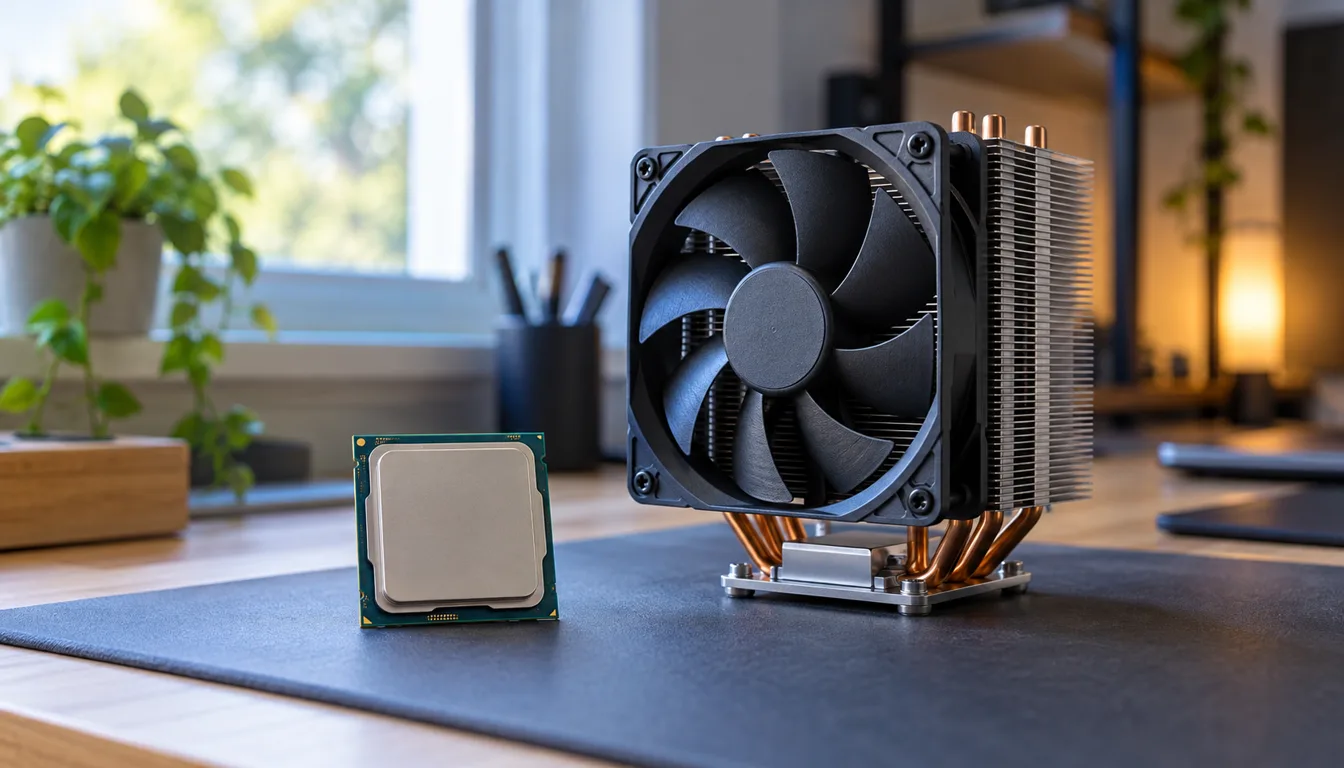
Thermal paste helps transfer heat between the processor's heat spreader and cooler. Intel's explanation says some coolers have paste already applied. Follow the cooler and material instructions; adding more to a prepared cooler is not automatically helpful.
Choose the cooler, mounting kit and thermal material together, following their instructions. Check whether paste is supplied or already applied before adding any. Electrically conductive liquid metal needs specific compatibility and handling precautions; it is a different choice from ordinary paste.
If temperatures are poor, inspect the cooler mounting, fan operation, settings and airflow before blaming the paste. A thermal-paste purchase cannot fix a failed fan. Follow the exact service procedure when removing a cooler and do not transfer desktop instructions to a laptop.
Build cost versus a complete PC
Compare the total CPU-platform cost with our gaming PC choices. Keep a working machine if the upgrade does not solve a measured need. A balanced PC with supported parts is more useful than a top-tier CPU paired with a bottleneck you cannot afford to change.