
Our verdict:
Best All-Round Editing Laptop
Best for heavy video editing, large builds and pro apps on a portable machine.
View at AppleKeep in mind: Windows-only engineering tools and most PC games will not run natively.
Video Editing Laptops
The short answer
Video editing wants 24GB to 32GB of memory, a strong GPU or Apple silicon, a color-accurate screen and 1TB of fast storage. The MacBook Pro 14 with M5 Pro is the best all-rounder. On Windows, pick an RTX 5070 or higher laptop.
Apple MacBook Pro 14 (M5 Pro)View at AppleRead our analysis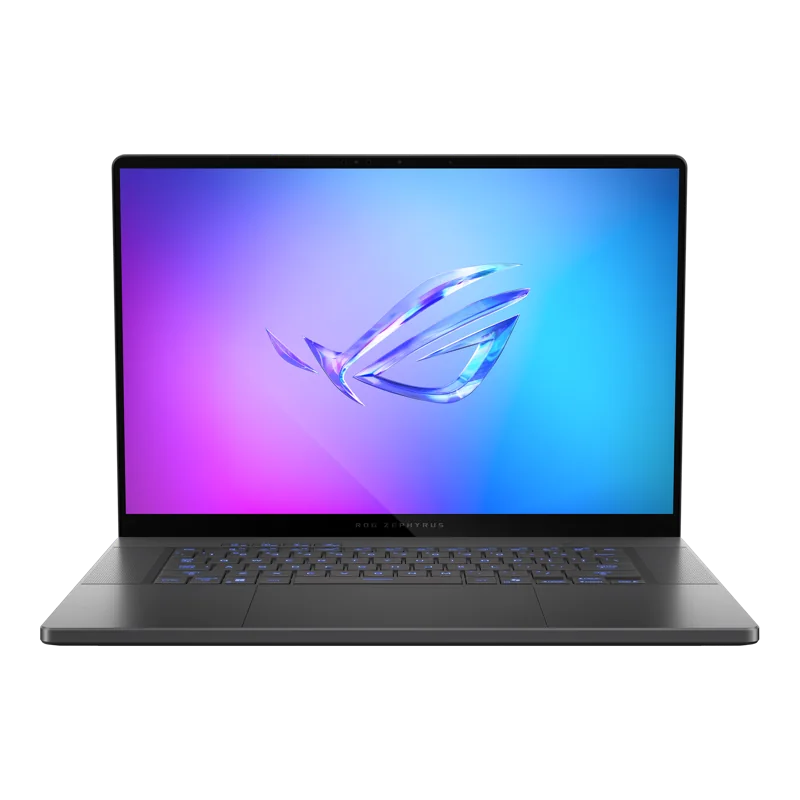 ASUS ROG Zephyrus G16 (RTX 5070)View at ASUSRead our analysis
 Razer Blade 16 (2026, RTX 5070 Ti)View at RazerRead our analysis
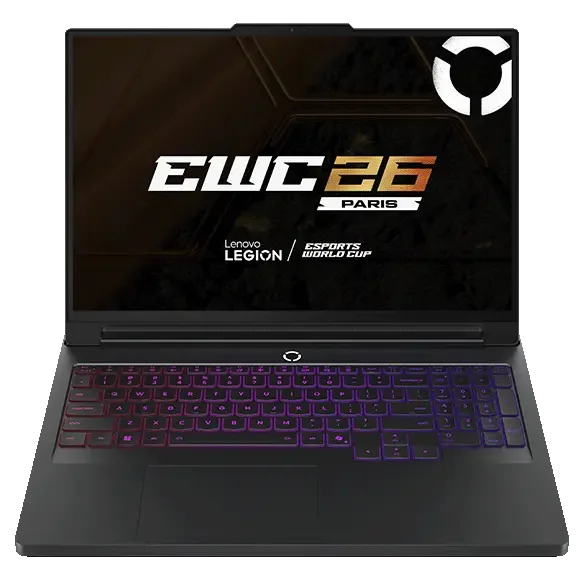 Lenovo Legion Pro 7i Gen 10 (RTX 5080)View at LenovoRead our analysis
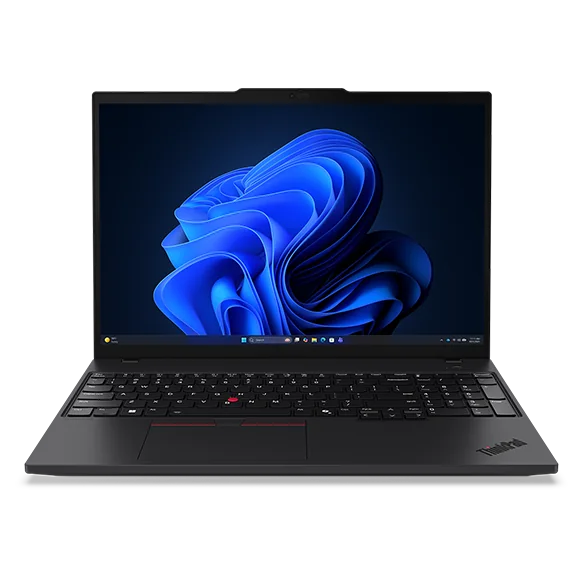 Lenovo ThinkPad P16s Gen 4View at LenovoRead our analysis
The best laptops for video editing keep a timeline smooth while you scrub, preview effects in real time, and export without making you wait. That comes down to memory, the graphics hardware your editing app uses, fast storage and a screen you can trust for color.
Short answer: aim for 24GB to 32GB of memory, Apple silicon or an NVIDIA RTX 5070 or higher, a color-accurate screen and at least 1TB of storage. A MacBook Pro with an M5 Pro chip is the best all-round editing laptop. On Windows, choose an RTX 5070 or higher laptop with an OLED screen.
This hub explains how to choose. For photo work specifically, see our best laptop for photo editing guide.
NVIDIA's RTX 50 series laptop page lists the current laptop GPUs, and its Studio program lists creative apps that use them.
Our verdict:
Best All-Round Editing Laptop
Best for heavy video editing, large builds and pro apps on a portable machine.
View at AppleKeep in mind: Windows-only engineering tools and most PC games will not run natively.
We compare these models side by side, with full specs and buying links, in the roundups linked below.
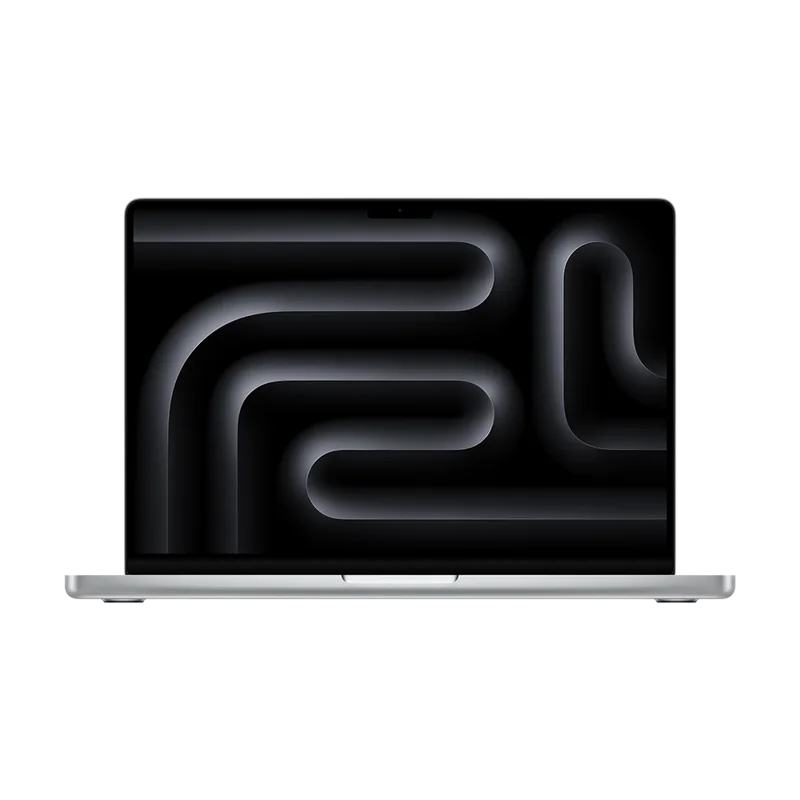
The MacBook Pro 14 with M5 Pro has a 15-core CPU, a 16-core GPU and 24GB of unified memory, with a very bright Liquid Retina XDR display. It runs Final Cut Pro, DaVinci Resolve and Premiere Pro. See it in our best laptops for programming roundup, where we cover its specs.
ASUS ROG Zephyrus G16 (RTX 5070)
Our verdict:
Best Windows Editing Laptop
Best for people who game and also edit photos, video or 3D models on one thin laptop.
View at ASUSKeep in mind: thin designs run the GPU at a lower power limit than thicker gaming laptops.
The Zephyrus G16 pairs an RTX 5070 with an Intel Core Ultra 9 285H and a 16-inch 2.5K OLED screen that ASUS lists at 100% DCI-P3 with a Delta E under 1, a measure of color accuracy. It is thin and light for its power at 4.08 pounds, with Thunderbolt 4, HDMI 2.1 and an SD card reader. See it in our best laptop for college and gaming roundup.
Razer Blade 16 (2026, RTX 5070 Ti)
Our verdict:
Best Premium Windows Editing Laptop
Best for a thin premium laptop that still plays games at 1440p.
View at RazerKeep in mind: you pay a premium for the build, and the memory is soldered.
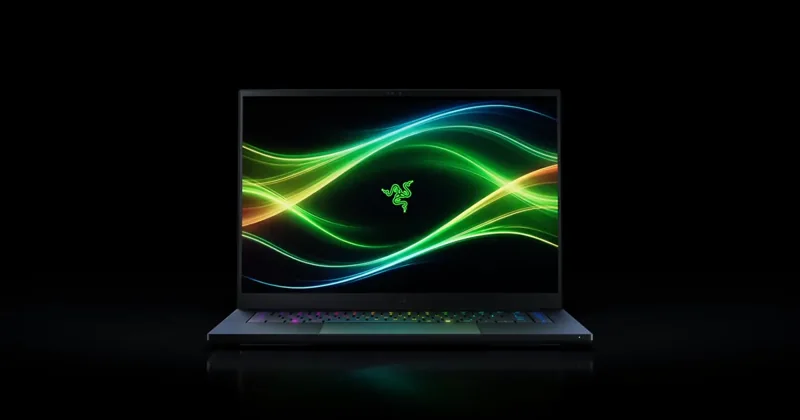
The 2026 Blade 16 pairs an RTX 5070 Ti with 32GB of memory and a 16-inch OLED at 240Hz with 100% DCI-P3, Calman Verified color and VESA DisplayHDR True Black 1000. Thunderbolt 5 and an SD card reader suit fast media workflows, and two M.2 slots allow up to 8TB of storage. See it in our best gaming laptops roundup.
Lenovo Legion Pro 7i Gen 10 (RTX 5080)
Our verdict:
Best for Heavy Rendering
Best for a desktop replacement for 1440p gaming and heavy rendering.
View at LenovoKeep in mind: heavy and power hungry, so it lives on a desk more than in a bag.
For long renders and heavy effects, the Legion Pro 7i Gen 10 pairs an RTX 5080 with an Intel Core Ultra 9 and an OLED screen. It is a desk machine, not a travel laptop. See it in our best gaming laptops roundup.
Our verdict:
Best Big-Screen Workstation
Best for large photo catalogs, data work and CAD on a big, color-accurate screen.
View at LenovoKeep in mind: a work machine with integrated graphics, not a gaming laptop.
The ThinkPad P16s Gen 4 has 32GB of DDR5, a 1TB SSD and a 16-inch 4K OLED touchscreen covering 100% of DCI-P3. It uses integrated graphics, so it suits lighter editing and color review rather than heavy GPU effects. See it in our best laptops for programming roundup.
Memory. Editing apps cache frames and effects in memory. 16GB is enough for 1080p. 24GB to 32GB makes 4K timelines much smoother.
Graphics. On Windows, the GPU accelerates effects, color grading and exports in apps like Premiere Pro and DaVinci Resolve. On a Mac, Apple silicon's GPU and media engines do the same job.
Processor. More cores help with exports and some effects. Any current Pro-class Apple chip or high-end Intel or AMD chip is strong.
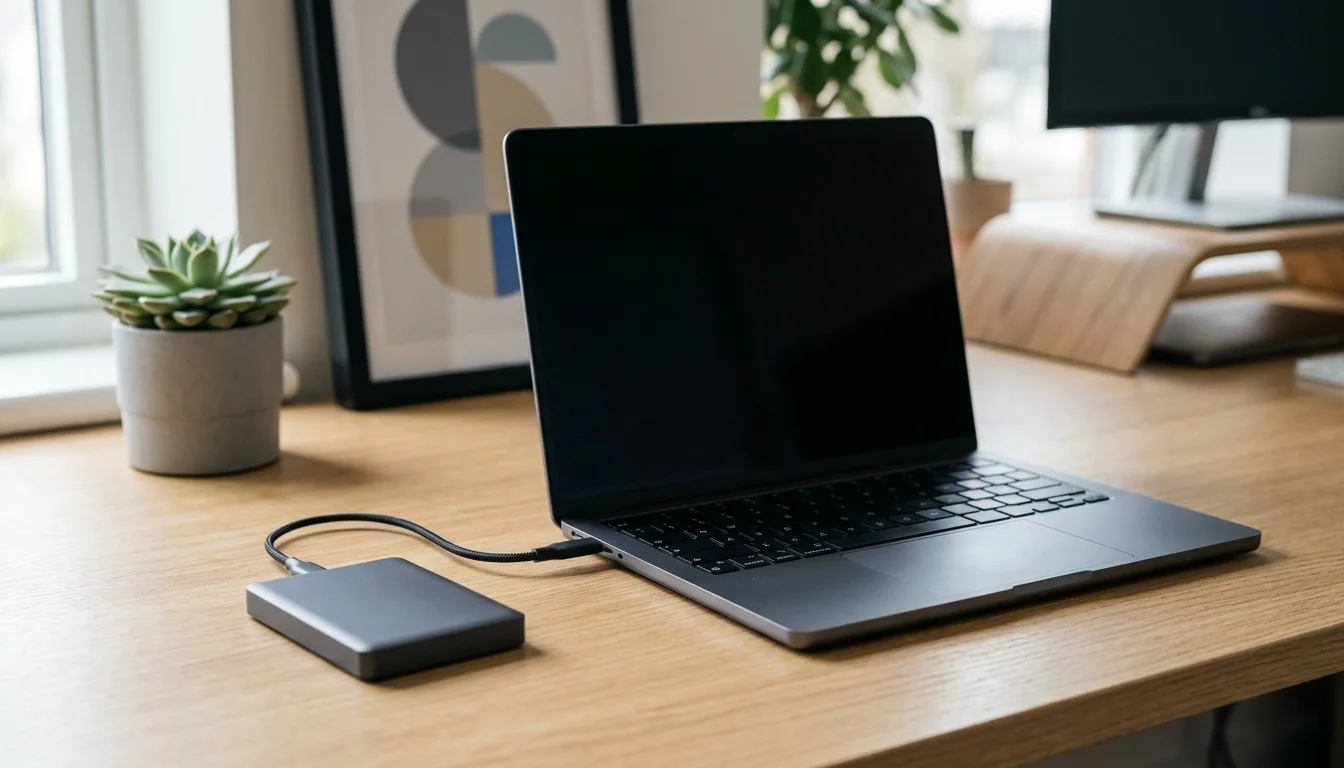
Storage. Footage is huge. Keep 1TB or more inside and edit from a fast external SSD over Thunderbolt or USB4.
Screen. A color-accurate screen, ideally covering 100% of DCI-P3, shows your grade as viewers will see it. OLED and mini-LED screens also help with HDR work.
Ports. Thunderbolt or USB4 for fast drives, an SD card reader for camera cards, and HDMI for a reference monitor.
Cooling. Long exports push a laptop hard. Thin laptops can slow down during long renders.
| App | Runs on | Leans on |
|---|---|---|
| Final Cut Pro | macOS only | Apple silicon |
| DaVinci Resolve | macOS, Windows, Linux | GPU heavily |
| Premiere Pro | macOS, Windows | GPU and memory |
Scroll for more →
DaVinci Resolve is especially GPU-hungry, so a stronger GPU pays off there. Adobe publishes Premiere Pro system requirements you can check against any laptop.
Video footage fills drives quickly. Keep at least 1TB inside the laptop for your apps, cache and current project. Store and edit footage on a fast external SSD connected over Thunderbolt or USB4, and archive finished projects on a larger drive. An SD card reader, like the ones on the Zephyrus G16 and Razer Blade 16, saves carrying a separate reader for camera cards.
Color accuracy matters as much as sharpness. Look for a screen that covers 100% of DCI-P3 if you grade video for the web or streaming. OLED panels offer deep blacks and strong HDR, which helps when you edit HDR footage. If color is critical for client work, calibrate the screen with a hardware calibrator and check your grade on a second display.
Choose a Mac if you use Final Cut Pro or want long battery life with strong performance. Choose Windows if you use DaVinci Resolve with an NVIDIA GPU, need Windows-only plugins, or also want to game on the same laptop. Premiere Pro and DaVinci Resolve run on both.
Every guide in this section:
The best laptops for video editing pair 24GB to 32GB of memory with strong graphics, a color-accurate screen and fast storage. The MacBook Pro 14 with M5 Pro is the best all-round editing laptop. On Windows, the ASUS ROG Zephyrus G16 with an RTX 5070 and OLED screen is the pick for most creators, the Razer Blade 16 adds more power and a brighter HDR screen, and the Lenovo Legion Pro 7i Gen 10 handles the heaviest renders. For photo-focused work, see our best laptop for photo editing guide.
For the screen connected to this computer, check monitor connections and display needs.
If the budget includes a refurbished machine, compare Windows laptop budgets and refurbished options.
For a storage upgrade, check SSD types and storage compatibility.
6 picks
Six laptops for photo editing, from the MacBook Pro to OLED Windows models, and why screen color and memory matter most for Lightroom.
16GB handles 1080p editing. For 4K timelines, multiple streams or effects-heavy work, 24GB to 32GB is much smoother. Heavy color grading and 6K or 8K footage can use more.
Yes. Apple silicon includes dedicated media engines that speed up common video codecs, and Final Cut Pro, DaVinci Resolve and Premiere Pro all run on macOS. A MacBook Pro with a Pro or Max chip is one of the best editing laptops available.
It helps a lot. Premiere Pro and DaVinci Resolve use the GPU for effects, color work and exports. An NVIDIA RTX 5070 or higher is a strong target for 4K editing.
Often, yes. Gaming laptops have strong GPUs, fast processors and good cooling. Choose one with a color-accurate screen and enough memory, and use an external SSD for footage.