
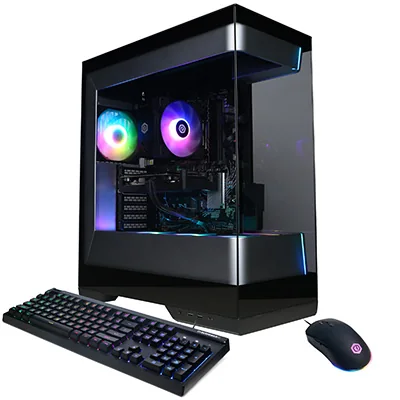
CyberPowerPC Gamer Master (RTX 5060)
Our verdict:
Best Value
Best for 1080p gaming at high settings on a modest budget.
View at CyberPowerPCKeep in mind: check the listed power supply before planning a bigger GPU upgrade.
Gaming PCs
The short answer
The best gaming PC for most people is an RTX 5070 desktop with 16GB to 32GB of DDR5, such as the MSI Codex R2 or Skytech Rampage, which handles 1440p in many current games. Choose the CyberPowerPC Gamer Master on a tighter budget, and step up to an RTX 5070 Ti or RTX 5080 system like the Lenovo Legion Tower 5 or Skytech Azure 3 for high settings at 1440p and beyond.
CyberPowerPC Gamer Master (RTX 5060)View at CyberPowerPCRead our analysis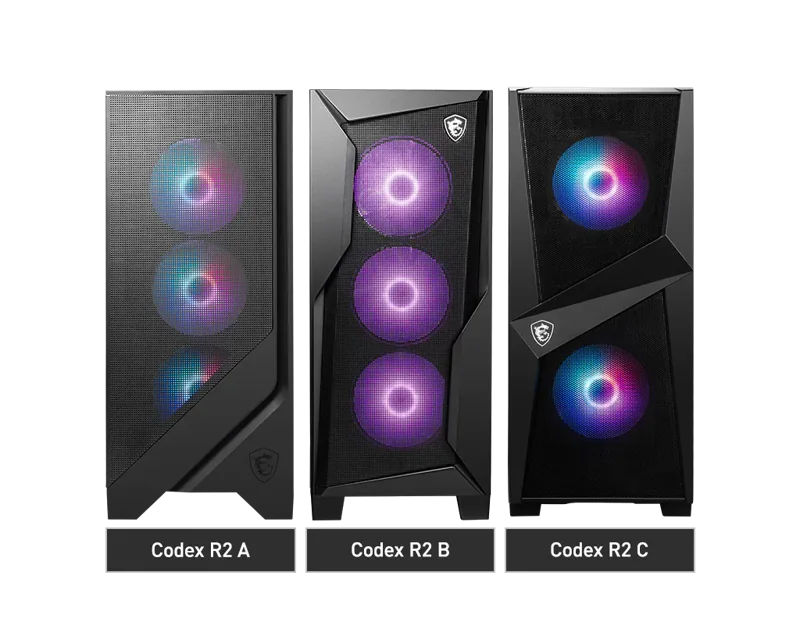 MSI Codex R2 (RTX 5070)View at MSIRead our analysis
 Skytech Rampage (RTX 5070, 16GB)View at SkytechRead our analysis
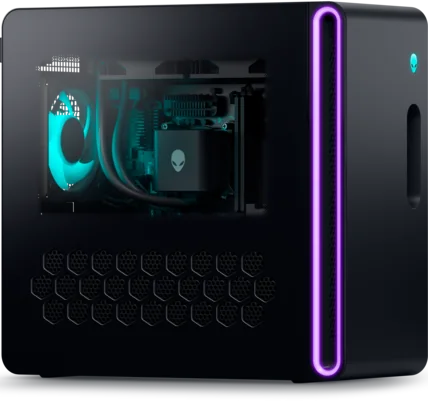 Alienware Aurora Desktop (RTX 5070)View at AlienwareRead our analysis
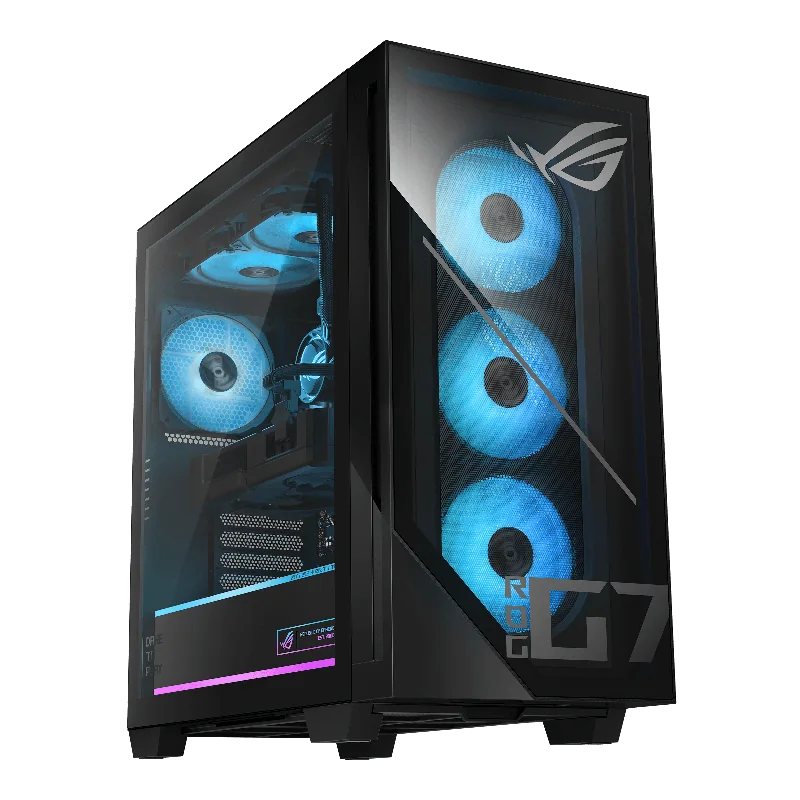 ASUS ROG G700 (RTX 5070)View at ASUSRead our analysis
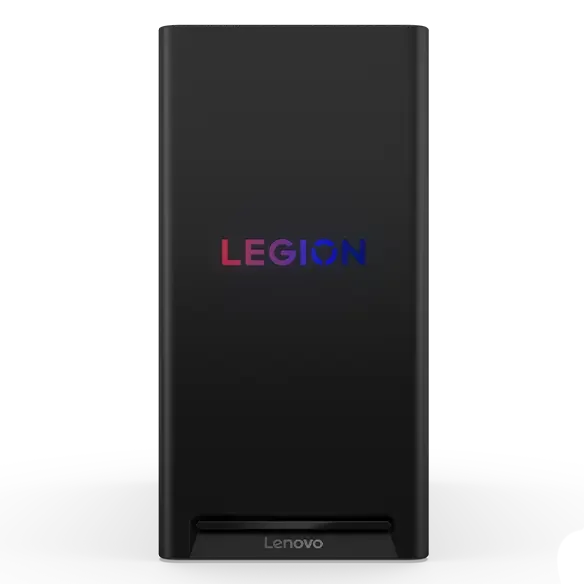 Lenovo Legion Tower 5 (RTX 5070 Ti)View at LenovoRead our analysis
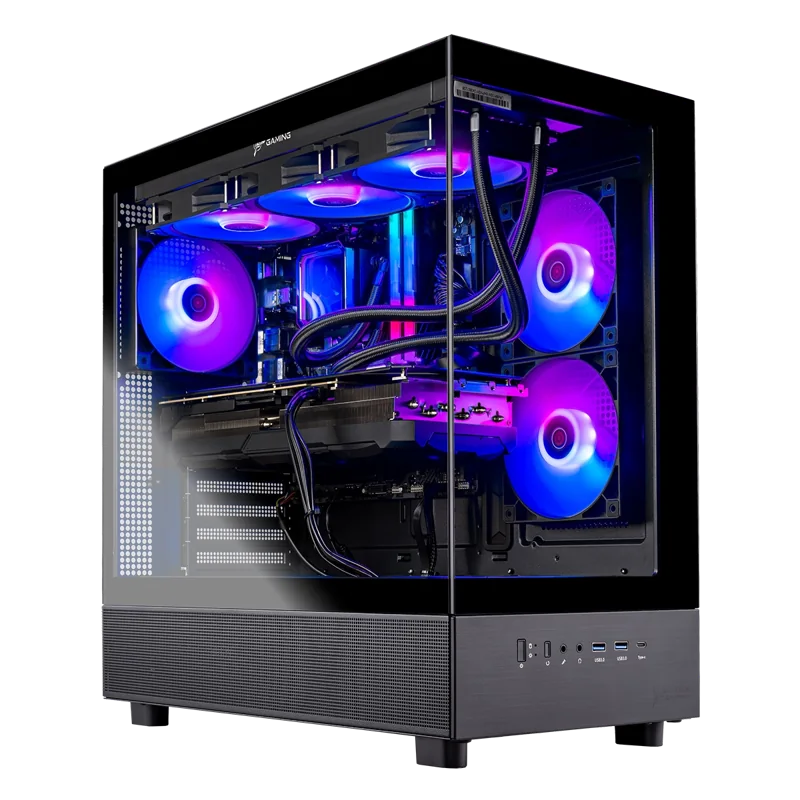 Skytech Azure 3 (RTX 5080)View at SkytechRead our analysis
The best gaming PC is the one whose graphics card matches the screen you play on. Put an RTX 5080 behind a 1080p monitor and much of its power goes unused. Put an entry-level card behind a 1440p screen and games stutter. This guide picks seven desktops across that range.
Short answer: most people should buy an RTX 5070 desktop with 16GB to 32GB of DDR5, such as the MSI Codex R2. On a tighter budget, the CyberPowerPC Gamer Master with an RTX 5060 is the value pick. For high settings at 1440p and beyond, step up to an RTX 5070 Ti or RTX 5080 system.
This guide is part of our cheap gaming PCs hub, which covers every budget and size of desktop.
NVIDIA's RTX 50 series page lists the current desktop graphics cards and their specs.
CyberPowerPC Gamer Master (RTX 5060)
Our verdict:
Best Value
Best for 1080p gaming at high settings on a modest budget.
View at CyberPowerPCKeep in mind: check the listed power supply before planning a bigger GPU upgrade.
The Gamer Master pairs an RTX 5060 with a Ryzen 5 8400F, 16GB of DDR5 and a 1TB PCIe 4.0 SSD. It has two USB-C ports, wired Ethernet, Wi-Fi 6 and a keyboard and mouse in the box. It is built for current games at 1080p.
Skip it if you play at 1440p. Step up to an RTX 5070 system.
Our verdict:
Best for Most People
Best for most gamers who want 1080p high and 1440p in many games, with room to grow.
View at MSIKeep in mind: the Core i5 is fine for gaming but not the fastest for heavy creative work.
The Codex R2 pairs an RTX 5070 with 12GB of GDDR7, a Core i5-14400F and 32GB of DDR5, plus a 1TB NVMe SSD. MSI says it is built from standard, off-the-shelf parts, so future upgrades to storage, memory or the GPU are straightforward. It uses a four-fan airflow layout and Wi-Fi 6E.
Who it suits: most gamers who want 1080p at high settings and 1440p in many games, with room to grow.
Skytech Rampage (RTX 5070, 16GB)
Our verdict:
Best for Upgrade Headroom
Best for buyers who plan a bigger GPU upgrade later.
View at SkytechKeep in mind: Wi-Fi 5 is older than rivals' Wi-Fi 6E; use wired Ethernet if you can.
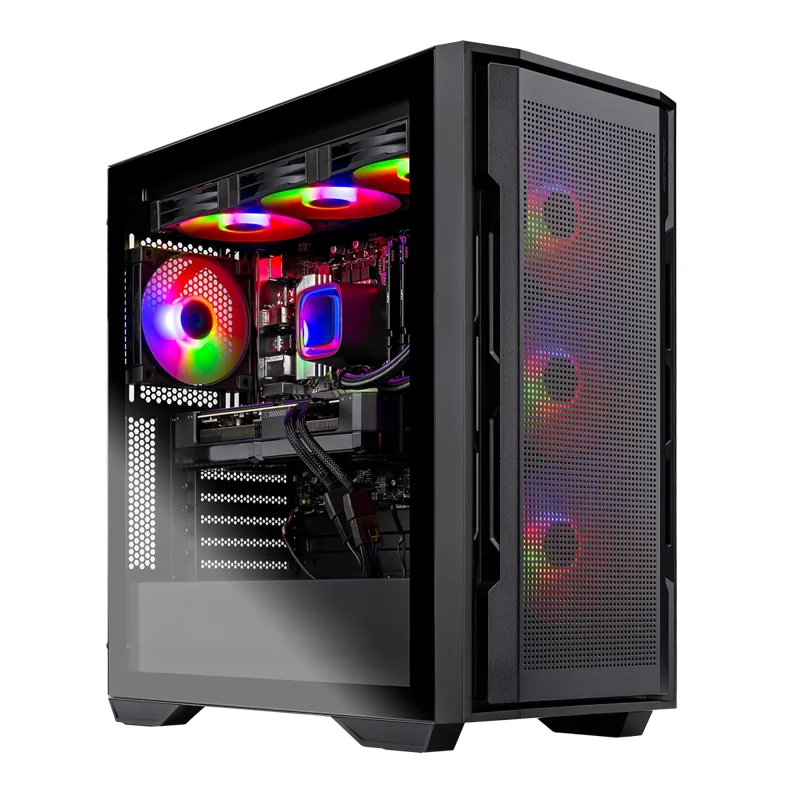
The Rampage pairs the same RTX 5070 and Core i5-14400F with 16GB of DDR5-6000 and a 1TB Gen4 SSD. Its standout part is an 850W Gold power supply, which leaves ample room for a much bigger GPU later. Skytech lists a one-year parts and labor warranty.
Alienware Aurora Desktop (RTX 5070)
Our verdict:
Best for On-Site Support
Best for players who want a known brand with on-site repair cover.
View at AlienwareKeep in mind: memory and storage vary by listing, so check the exact configuration.
Dell's Alienware Aurora pairs an RTX 5070 with an Intel Core Ultra 7 265F in a matte black chassis with customizable lighting. The listing includes one year of Dell on-site service, so a technician can come to you if a covered fault can't be fixed remotely. Alienware Command Center handles lighting and performance modes.
Our verdict:
Best Big Case for Upgrades
Best for buyers who want a roomy case that is easy to upgrade later.
View at ASUSKeep in mind: 16GB of memory is the minimum we would accept at this GPU tier.
The ROG G700 pairs an RTX 5070 with a Core Ultra 7 265F, 16GB of DDR5 and a 1TB PCIe 4.0 SSD. Its 58-liter case supports triple-slot graphics cards and has tool-less access for swapping parts. It uses four fans with dust filters, 2.5Gbps Ethernet and Wi-Fi 6, and includes an RGB keyboard and mouse.
Lenovo Legion Tower 5 (RTX 5070 Ti)
Our verdict:
Best High-End 1440p
Best for high settings at 1440p with a top gaming processor.
View at LenovoKeep in mind: check the power supply rating before planning a bigger GPU later.
The 2026 Legion Tower 5 pairs an RTX 5070 Ti with AMD's Ryzen 7 9800X3D, 32GB of memory and a 1TB SSD. The RTX 5070 Ti is a step above the RTX 5070 for high settings at 1440p and high refresh rates.
Keep in mind: overkill for a 1080p monitor; spend the difference on a better screen.
The Azure 3 pairs an RTX 5080 with 16GB of GDDR7 and a Ryzen 7 9800X3D. It has 32GB of DDR5-6000, a 2TB NVMe SSD, a 360mm liquid CPU cooler and an 850W Gold power supply. It is built for high refresh rates at 1440p and for 4K gaming.
Skip it if you play at 1080p. Much of the RTX 5080's power would go unused.
Our good prebuilt gaming PC guide goes deeper on how to judge a prebuilt's quality, and our best brand gaming PC guide compares the builders.
We chose these from current US listings and each maker's published specs. We looked for a clearly named GPU, enough memory, a fast SSD, a named power supply where possible, and clear warranty terms. We grouped picks by the buyer they suit.
| Monitor | GPU tier that fits |
|---|---|
| 1080p at 144Hz or faster | RTX 5060 to RTX 5060 Ti |
| 1440p at 144Hz or faster | RTX 5070 to RTX 5070 Ti |
| 1440p at 240Hz, or 4K | RTX 5070 Ti to RTX 5080 and above |
Scroll for more →
If you are buying a new monitor at the same time, plan the two together. Our best budget gaming rig guide explains how to split a budget across the PC and screen.
Check what limits your current games before buying a complete replacement. Price a compatible graphics-card upgrade, including any power-supply or cooling work. If the processor platform also needs changing, compare the full rebuild cost with a ready-made PC.
The best gaming PC for most people is an RTX 5070 desktop with 16GB to 32GB of DDR5. The MSI Codex R2 is our pick for its standard parts and 32GB of memory, and the Skytech Rampage adds an 850W power supply for future upgrades. On a tighter budget, the CyberPowerPC Gamer Master covers 1080p gaming. For high settings at 1440p and beyond, the Lenovo Legion Tower 5 and Skytech Azure 3 are the two to compare. If you would rather spend less, our best gaming PC under $1000 guide explains what that budget buys.
For a multi-card system, understand SLI and CrossFire support.
For the screen connected to this computer, check monitor connections and display needs.
For a desktop with limited upgrade money, check an affordable graphics-card upgrade.
If the graphics card is the main upgrade, weigh a mid-range GPU purchase.
To complete the desk setup, choose mouse and keyboard fit and controls.
If the connection slows down during games, check your router and Wi-Fi setup.
When choosing the processor, compare CPU and platform upgrade needs.
For a graphics card that also handles everyday work, choose graphics-card features for your workload.
Before ordering memory or a processor, check motherboard support and RAM upgrades.
An RTX 5070 desktop with 16GB to 32GB of DDR5 and a 1TB SSD. It handles current games at 1080p on high settings and many at 1440p. The MSI Codex R2 and Skytech Rampage both fit that description.
If you play at 1440p with high refresh rates or at 4K, yes. At 1080p, an RTX 5070 or RTX 5070 Ti is usually enough, and the extra money is better spent on a good monitor.
Yes, from known builders. Many now use standard parts, name their power supplies and include a warranty for the whole system. Check the power supply, memory layout and cooling before you buy.
Building gives you full control and can save a little money at the high end. Buying prebuilt saves time and gives you one warranty. If you have never built before, a prebuilt from a known builder is a safe choice.