
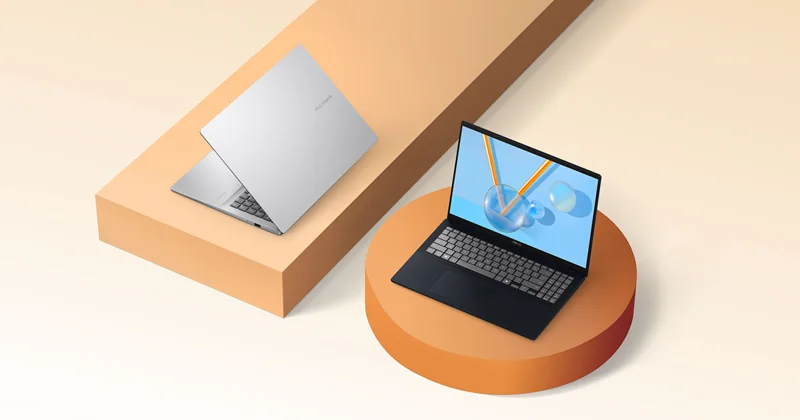
ASUS Vivobook 16 (Ryzen AI 5 340)
Our verdict:
Best Value Windows Laptop
Best for students who want a big screen for study at a low cost.
View at ASUSKeep in mind: the 60Hz screen and integrated graphics are for work, not gaming.
Student Laptops
The short answer
The best budget laptop for students has 16GB of memory, a 512GB SSD and a current processor, even if the screen and build are basic. The ASUS Vivobook 16 and Acer Aspire Go 15 are the value Windows picks, the HP OmniBook 3 16 adds much longer rated battery life, and the MacBook Air 13 (M4) is the value Mac.
ASUS Vivobook 16 (Ryzen AI 5 340)View at ASUSRead our analysis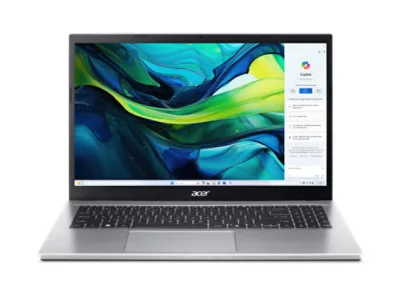 Acer Aspire Go 15 AG15-42P-R6ZYView at AcerRead our analysis
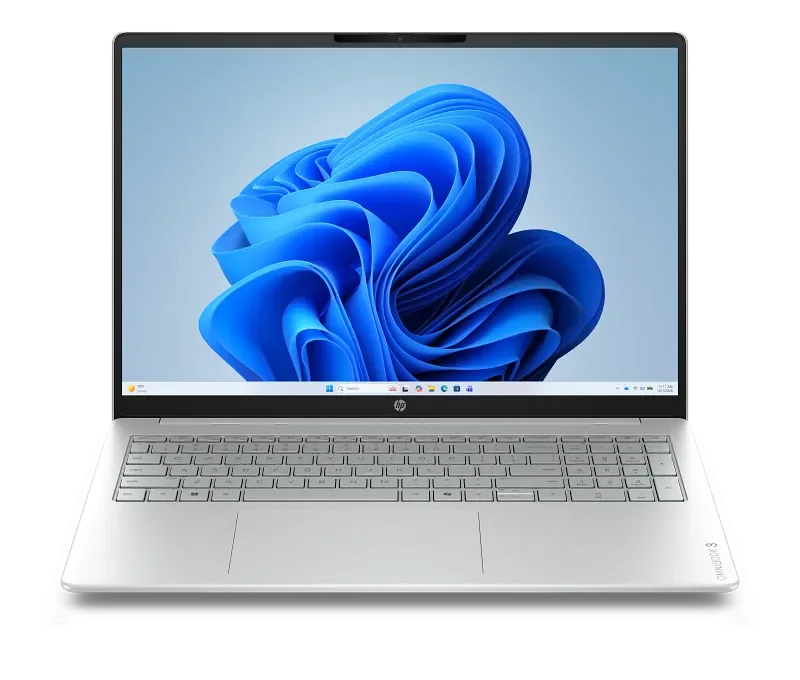 HP OmniBook 3 16View at HPRead our analysis
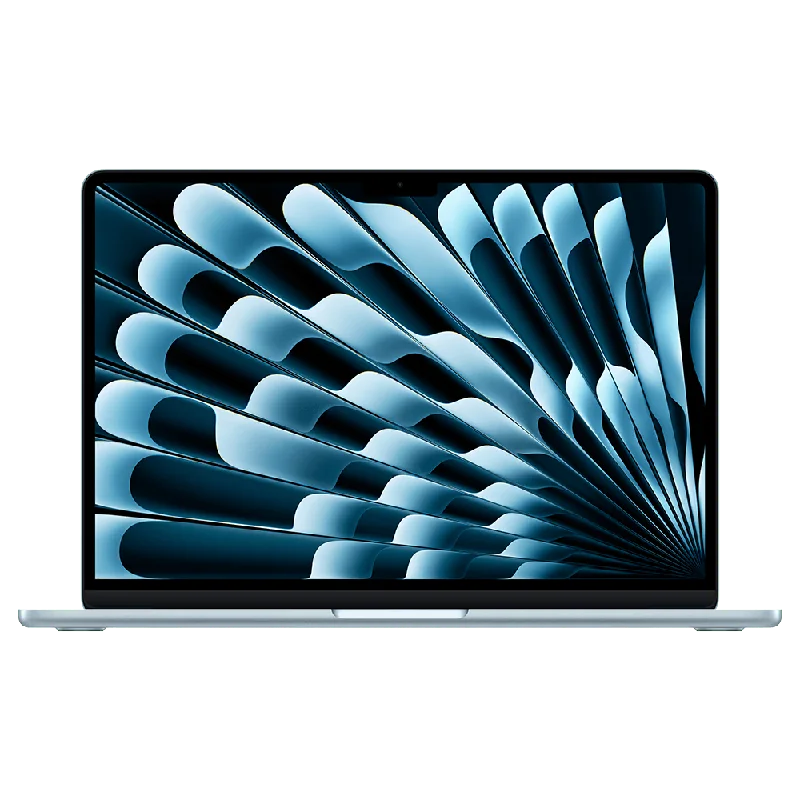 Apple MacBook Air 13 (M4)View at AppleRead our analysis
The best budget laptop for students isn't the cheapest one. It is the cheapest one that will still feel quick in your final year. That comes down to two specs most bargain laptops skimp on: memory and storage.
Short answer: hold out for 16GB of memory and a 512GB SSD, and compromise on the screen and build instead. The ASUS Vivobook 16 and Acer Aspire Go 15 are the value Windows picks, the HP OmniBook 3 16 adds longer battery life, and the MacBook Air 13 (M4) is the value Mac.
This guide is part of our best laptops for college students hub.
ASUS Vivobook 16 (Ryzen AI 5 340)
Our verdict:
Best Value Windows Laptop
Best for students who want a big screen for study at a low cost.
View at ASUSKeep in mind: the 60Hz screen and integrated graphics are for work, not gaming.
The Vivobook 16 pairs an AMD Ryzen AI 5 340 with 16GB of memory and a 512GB SSD. Its 16-inch 1920 x 1200 screen gives plenty of room for documents, and it has Wi-Fi 6 and Bluetooth 5.3. ASUS rates the battery at up to 8 hours with a full charge in about 1 hour and 20 minutes. The 60Hz screen is basic, but that's a fair trade at this level.
Acer Aspire Go 15 AG15-42P-R6ZY
Our verdict:
Best 15-Inch Value
Best for students who want a full-size screen and keyboard for notes and papers on a small budget.
View at AcerKeep in mind: integrated graphics only, so it is not a gaming laptop; the 60Hz Full HD screen is basic.
The Aspire Go 15 AG15-42P-R6ZY pairs an eight-core AMD Ryzen 7 7730U with 32GB of DDR4 memory and a 1TB PCIe NVMe SSD. It has a 15.6-inch Full HD IPS screen, Wi-Fi 6, USB-C and HDMI. Acer lists two memory slots and a 32GB maximum, so this configuration already reaches that limit.
Our verdict:
Best Budget Battery Life
Best for students who want long battery life on a large touch screen.
View at HPKeep in mind: integrated graphics, so it handles light games only.
If you study away from outlets, the OmniBook 3 16 is the one to consider. HP rates it for up to 19 hours and 30 minutes of battery life, with fast charging to 50% in about 45 minutes. It pairs a Ryzen AI 5 430 with 16GB of DDR5 and a 512GB Gen 4 SSD, and has a 16-inch 1920 x 1200 touchscreen and an FHD camera.
Our verdict:
Best Value Mac
Best for students and web developers who want a light, quiet laptop with long battery life.
View at AppleKeep in mind: 256GB of storage fills quickly and cannot be upgraded later.
The M4 MacBook Air has 16GB of unified memory, a 13.6-inch Liquid Retina display and Apple's rating of up to 18 hours of battery life. It is the most premium laptop on this list, with a much better screen and build than the Windows picks. The catch is 256GB of storage, so plan to use cloud storage or an external drive.
Safe to compromise on: screen brightness, 60Hz refresh rates, plastic build, basic speakers, and the lack of a backlit keyboard.
Don't compromise on: 16GB of memory, an SSD of 512GB or more, a current processor, and a full day of battery if you study away from outlets.
We chose these from current US listings and each maker's published specs. Every pick has 16GB of memory.
A budget laptop can last years with a little care. Keep it updated. Uninstall trial software you don't use.
Keep at least a fifth of the drive free, so updates have room. Use a padded sleeve in your bag. And back up your work to the cloud, so a lost or broken laptop doesn't mean lost coursework.
Buying 8GB of memory. It is the most common way a cheap laptop becomes a slow laptop.
Buying eMMC or tiny storage. Some very cheap laptops use slow storage of 64GB or 128GB. It fills up with system updates alone.
Ignoring battery life. A laptop that dies by lunch forces you to hunt for outlets all day.
Paying for a gaming GPU you won't use. If you don't game or use GPU software, put the money into memory, storage and battery instead.
Screen size. The ASUS Vivobook 16 and HP OmniBook 3 16 have 16-inch screens, which are roomy for reading and side-by-side work. The Acer Aspire Go 15 has a 15.6-inch screen. The MacBook Air 13 is the smallest and lightest.
Battery. The HP OmniBook 3 16 has the longest battery rating of the Windows picks. The MacBook Air 13 is also rated for a full day.
Storage. Three of the four ship with 512GB. The MacBook Air 13 (M4) ships with 256GB, so plan on cloud storage.
Upgrades. Most budget laptops use soldered memory, so buy 16GB now. Check the listing if you plan to add storage later.
Set up cloud backup for your coursework before your first class. Turn on automatic updates. Remove trial software you don't need. And put your name and contact details on the lock screen, so a lost laptop can find its way back.
The best budget laptop for students holds the line on 16GB of memory and a 512GB SSD, and saves money on the screen and build. The ASUS Vivobook 16 is our value Windows pick, the Acer Aspire Go 15 is the 15-inch alternative, and the HP OmniBook 3 16 is worth the extra for its battery life. If you prefer a Mac, the MacBook Air 13 (M4) is the value choice. For more picks across budgets, see our college laptop picks roundup.
If the budget includes a refurbished machine, compare Windows laptop budgets and refurbished options.
Enough to get 16GB of memory and a 512GB SSD with a current processor. Below that, laptops tend to slow down within a year or two. We don't list prices, because they change often, but those specs are the floor to hold.
Not anymore. 8GB fills up quickly with a browser, a document and a video call. 16GB keeps a laptop usable for several years.
It can be for younger students or light coursework that happens in a browser. College students often need desktop apps such as full Microsoft Office, statistics packages or specialist software, which a Windows laptop or Mac handles better.
It can help for note-taking and reading, but it isn't essential. The HP OmniBook 3 16 has a touchscreen. Put memory, storage and battery ahead of touch if your budget is tight.