
Our verdict:
Best entry-level pick
Best for esports and older games at 1080p for the lowest outlay.
View at SkytechKeep in mind: an older platform and entry GPU, so new games need low settings.
Gaming PCs
The short answer
The best budget gaming PC for most people is an RTX 5060 desktop with 16GB of memory and a 1TB SSD, such as the CyberPowerPC Gamer Master. Drop to an RTX 3050 system only if you mainly play esports and older games, and step up to an RTX 5060 Ti system if you want more headroom and 32GB of memory.
Skytech Chronos 3 (RTX 3050)View at SkytechRead our analysis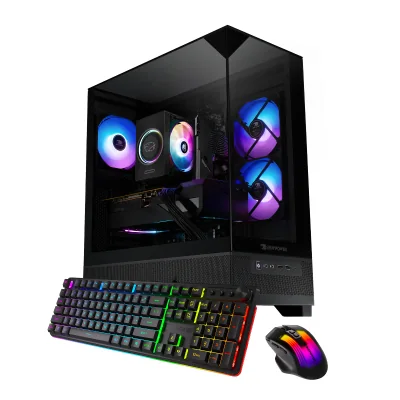 iBUYPOWER Element SE (RTX 3050)View at iBUYPOWERRead our analysis
 CyberPowerPC Gamer Master (RTX 5060)View at CyberPowerPCRead our analysis
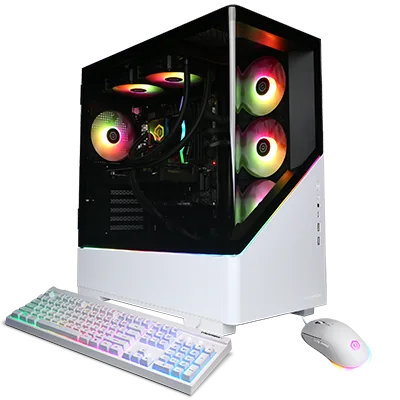 CyberPowerPC Prebuilt PC GXL 99722 (RTX 5060)View at CyberPowerPCRead our analysis
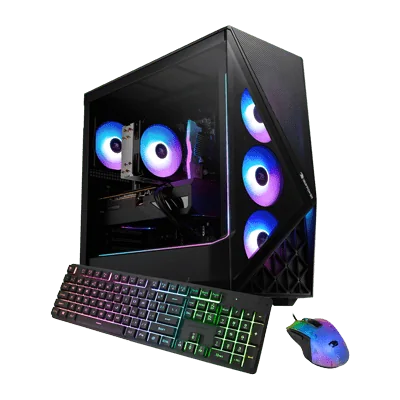 iBUYPOWER Slate (Radeon RX 9060)View at iBUYPOWERRead our analysis
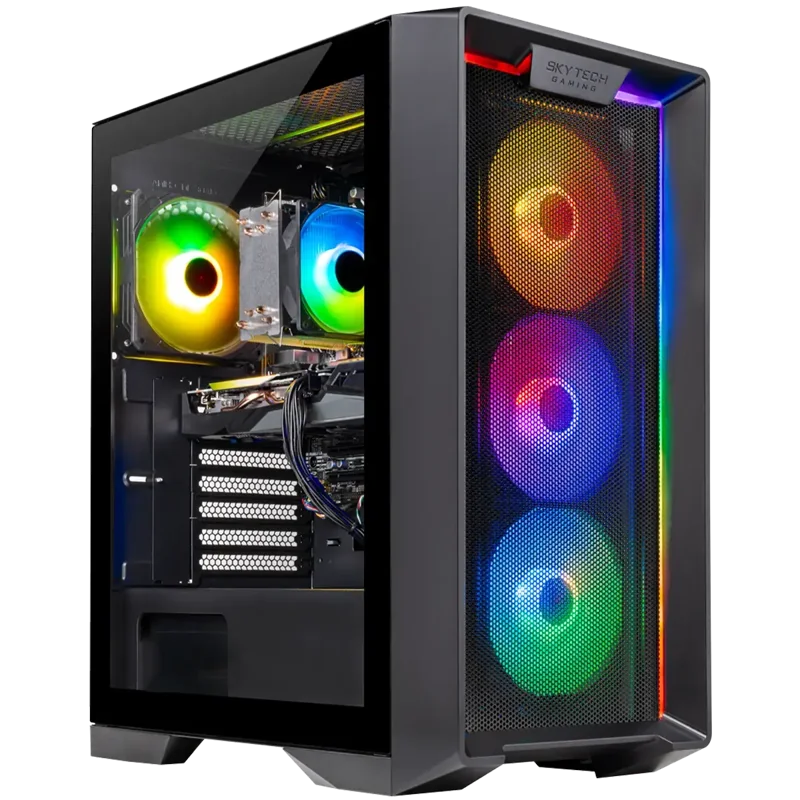 Skytech Nebula (RTX 5060 Ti)View at SkytechRead our analysis
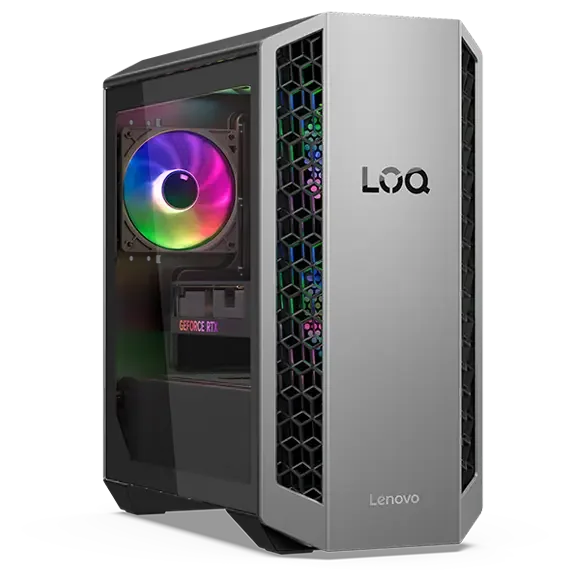 Lenovo LOQ Tower (RTX 5060 Ti)View at LenovoRead our analysis
A budget gaming PC should play the games you care about at 1080p, without the stutter and noise that ruin cheap machines. The good news is that the budget end of the desktop market has improved a lot. The catch is that the worst listings look almost identical to the best ones.
Short answer: buy an RTX 5060 desktop with 16GB of memory and a 1TB SSD. The CyberPowerPC Gamer Master is our value pick. An RTX 3050 system is the floor, for esports and older games only.
This guide is part of our cheap gaming PCs hub, which covers every budget and size of desktop.
The RTX 5060 is part of NVIDIA's RTX 50 series and pairs 8GB of GDDR7 memory with support for DLSS 4, which can lift frame rates in games that support it.
Our verdict:
Best entry-level pick
Best for esports and older games at 1080p for the lowest outlay.
View at SkytechKeep in mind: an older platform and entry GPU, so new games need low settings.
These are the lowest-cost PCs we would call real gaming machines. The 6GB RTX 3050 handles esports titles and older games at 1080p. Newer, demanding games will need low settings.
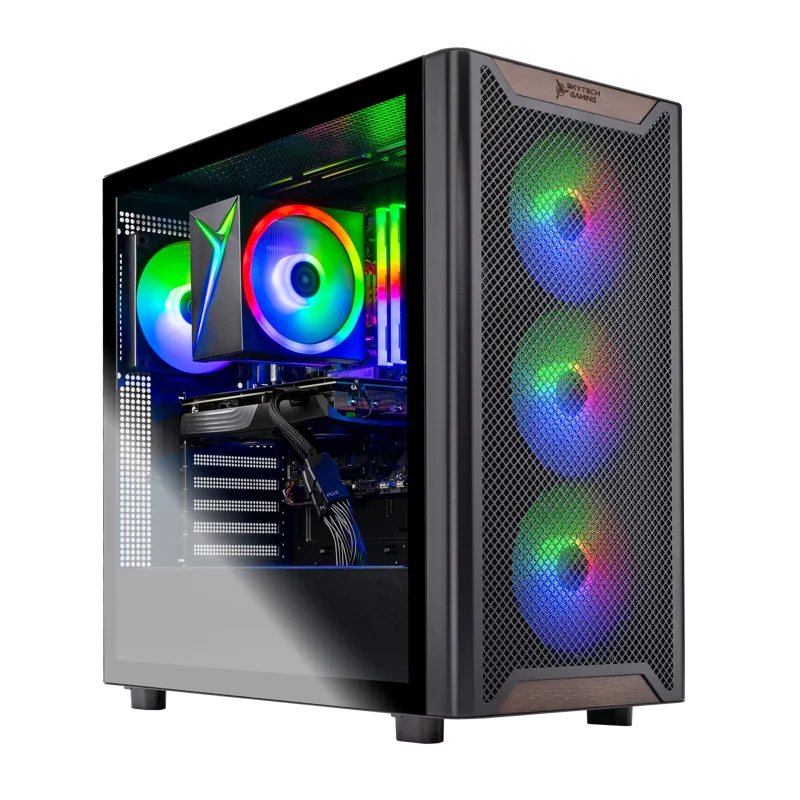
Skytech pairs a 6GB RTX 3050 with a six-core Ryzen 5 5500, 16GB of DDR4 and a 1TB NVMe SSD. It uses an air cooler with ARGB fans in a mesh-front case. Skytech lists a one-year parts and labor warranty and says the system has no bloatware.
iBUYPOWER Element SE (RTX 3050)
Our verdict:
Best entry pick on a newer platform
Best for esports and older games at 1080p on the smallest budget.
View at iBUYPOWERKeep in mind: the RTX 3050 6GB struggles in new games above low to medium settings.
iBUYPOWER uses the same GPU with a newer Ryzen 5 8400F and 16GB of DDR5. The newer platform matters if you want to swap in a faster CPU later. It comes with a keyboard and mouse.
CyberPowerPC Gamer Master (RTX 5060)
Our verdict:
Best Value
Best for 1080p gaming at high settings on a modest budget.
View at CyberPowerPCKeep in mind: check the listed power supply before planning a bigger GPU upgrade.
This is where we would put most budgets. These cards are aimed at current games at 1080p, often at high settings.
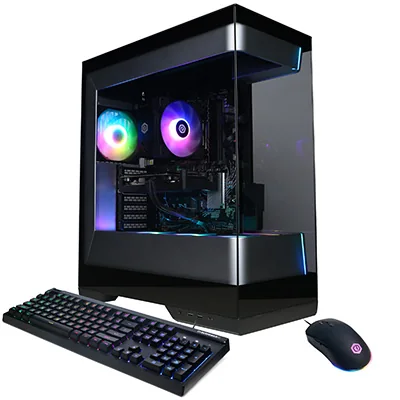
The Gamer Master pairs an RTX 5060 with a Ryzen 5 8400F, 16GB of DDR5 and a 1TB PCIe 4.0 SSD. It has one HDMI and two DisplayPort outputs, two USB-C ports, wired Ethernet, Wi-Fi 6 and Bluetooth 5.3. A keyboard and mouse are included.
CyberPowerPC Prebuilt PC GXL 99722 (RTX 5060)
Our verdict:
Best Intel alternative
Best for buyers who prefer an Intel processor and want RTX 5060 gaming with a larger SSD.
View at CyberPowerPCKeep in mind: 16GB of memory is the minimum for this tier; plan an upgrade if you stream or edit video.
The Prebuilt PC GXL 99722 offers the same RTX 5060 on an Intel platform, with a 20-core Core Ultra 7 265F on a B860 board. It has 16GB of DDR5, a 2TB SSD, a 240mm liquid CPU cooler and an 850W Gold power supply. A keyboard and mouse are included.
iBUYPOWER Slate (Radeon RX 9060)
Our verdict:
Best AMD graphics pick
Best for 1080p gaming with a stronger 8-core processor for streaming or school work.
View at iBUYPOWERKeep in mind: AMD's upscaling is supported in fewer games than NVIDIA's DLSS.
If you prefer AMD graphics, the Slate pairs a Radeon RX 9060 with 8GB of video memory and a Ryzen 7 9700F. It has 16GB of DDR5 and a 1TB NVMe drive, plus a keyboard and mouse. AMD's Radeon range page lists where this card sits.
Our verdict:
Best RTX 5060 Ti value
Best for high settings at 1080p with a processor that has room to grow.
View at SkytechKeep in mind: the 8GB RTX 5060 Ti is best kept at 1080p in the newest games.
These cost more but give you extra GPU headroom and double the memory.
Skytech pairs an 8GB RTX 5060 Ti with a Ryzen 7 7700 and 32GB of DDR5. The 32GB helps if you stream, record or keep lots of apps open while gaming. The Nebula uses a ventilated front panel and an air cooler.
Lenovo LOQ Tower (RTX 5060 Ti)
Our verdict:
Most memory in the step-up tier
Best for 1080p high and some 1440p gaming with generous memory.
View at LenovoKeep in mind: the processor is a mobile-class chip, which limits CPU upgrades.
Lenovo's LOQ Tower uses an RTX 5060 Ti with a Ryzen 7 8745HX, 32GB of memory and a 1TB SSD. The port list is generous, with HDMI 2.1 and three DisplayPort outputs. Note the 500W power supply, which leaves less room for a much bigger GPU later.
Our budget gaming computer guide explains each of these specs in more depth.
We picked them from current US listings and each builder's published specs. We looked for a named GPU, at least 16GB of memory, a fast SSD, and clear warranty terms. We grouped the picks by GPU tier, because that decides what each PC can run.
The very cheapest listings often pair a Radeon RX 6500 XT with 8GB of memory and a 500GB drive. The RX 6500 XT has only 4GB of video memory. That combination will run light games, but it leaves you short on memory, storage and GPU headroom at once. If your budget allows, one of the RTX 3050 systems above is a safer floor.
RTX 3050 systems. Esports titles such as competitive shooters and battle royale games run well at 1080p. Older games run smoothly at good settings. Newer, demanding releases need low settings, and upscaling helps.
RTX 5060 and RX 9060 systems. Current games run at 1080p, often at high settings. DLSS 4 on the RTX 5060 and FSR on the RX 9060 can raise frame rates further in supported games. This tier suits a 1080p monitor at 144Hz to 180Hz.
RTX 5060 Ti systems. More headroom for demanding games at 1080p, and a reasonable start at 1440p in lighter titles. The extra memory in these systems also helps if you stream or record.
None of these tiers is ideal for high settings at 1440p in the newest releases. For that, look at RTX 5070 systems in our best gaming PC roundup.
When your PC arrives, plug the monitor into the graphics card, not the motherboard. Run Windows Update, then install the latest graphics driver. Set your monitor to its full refresh rate in Windows display settings, since new PCs often start at 60Hz. Check in the BIOS that the memory runs at its rated speed. Finally, register the warranty with the builder.
For most people, the CyberPowerPC Gamer Master is the pick. It puts an RTX 5060 and 16GB of DDR5 in a system with a keyboard and mouse.
If you prefer Intel, the Prebuilt PC GXL 99722 offers the same GPU. For AMD graphics, pick the iBUYPOWER Slate. On the tightest budget, the Skytech RTX 3050 system is the floor. With more to spend, the Skytech RTX 5060 Ti system adds 32GB of memory.
Building can get you slightly better parts for the same money, especially the power supply and case. Buying prebuilt saves time and gives you one warranty for the whole machine. At this budget the gap is small. If you want to try building, our budget PC build guide lays out the parts by tier.
Memory. Systems with two memory sticks, or free slots, are easier to grow. Check the listing for "16x1," which means one stick.
Platform. The DDR5 systems, such as the CyberPowerPC Gamer Master and iBUYPOWER Element SE, sit on newer platforms with a better path to a faster processor. The Skytech Ryzen 5 5500 and Ryzen 7 5700 systems use older DDR4 platforms.
Power supply. A named supply with spare wattage makes a GPU upgrade simple. Lenovo lists a 500W supply in the LOQ Tower, which leaves less room for a much bigger card.
Case. A mid-tower with a mesh front, like the Skytech mesh-front systems, has room for a longer graphics card later.
If you buy an RTX 3050 system, plan for a graphics card upgrade first, since that is where the entry systems give up the most. If you buy an RTX 5060 system, the first upgrades are usually a faster monitor and a second SSD. Either way, check the power supply before buying a new card.
The best budget gaming PC for most people is an RTX 5060 desktop with at least 16GB of memory and a 1TB SSD, like the CyberPowerPC Gamer Master or Prebuilt PC GXL 99722. Choose the iBUYPOWER Slate if you prefer AMD graphics. Drop to an RTX 3050 system from Skytech or iBUYPOWER only if you mainly play esports and older games. Step up to an RTX 5060 Ti system if you want more headroom and 32GB of memory. For tighter limits, see our guide to gaming PCs under 600.
An RTX 5060 is the best value tier for current games at 1080p. An RTX 3050 or Radeon RX 6500 XT is the floor, and suits esports titles and older games. The Radeon RX 9060 is a reasonable AMD alternative to the RTX 5060.
Yes. 16GB is the right amount for gaming on a budget. Avoid 8GB systems, which can stutter in current games. 32GB is useful if you also stream or edit video.
Most from known builders are, because they use standard parts. The power supply is the usual limit, so check its wattage before you plan a bigger GPU.
For the same money, a desktop gives you more gaming performance and is easier to upgrade. Choose a laptop only if you need to carry it.
Only for light esports titles. The RX 6500 XT has 4GB of video memory, which runs out quickly in newer games. An RTX 3050 or RTX 5060 system is a safer choice.
Yes, at modest settings. NVIDIA cards include a dedicated video encoder that handles streaming with little impact on frame rates. For smoother streaming, 32GB of memory helps, as in the Skytech RTX 5060 Ti system.