
Our verdict:
Best for glass and RGB
Best for buyers who want a roomy case that is easy to upgrade later.
View at ASUSKeep in mind: 16GB of memory is the minimum we would accept at this GPU tier.
Gaming PCs
The short answer
A cool gaming PC looks good and still keeps its parts cool. Pick a style you like, whether that is panoramic glass, a wood front or a clean white build, but keep a mesh intake and enough fans. The ASUS ROG G700 and Alienware Aurora are strong ready-made options, and the Fractal Design North is a standout case if you build.
ASUS ROG G700 (RTX 5070)View at ASUSRead our analysis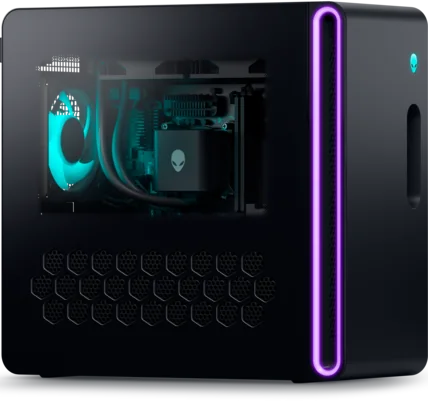 Alienware Aurora Desktop (RTX 5070)View at AlienwareRead our analysis
 Skytech Nebula (RTX 5060 Ti)View at SkytechRead our analysis
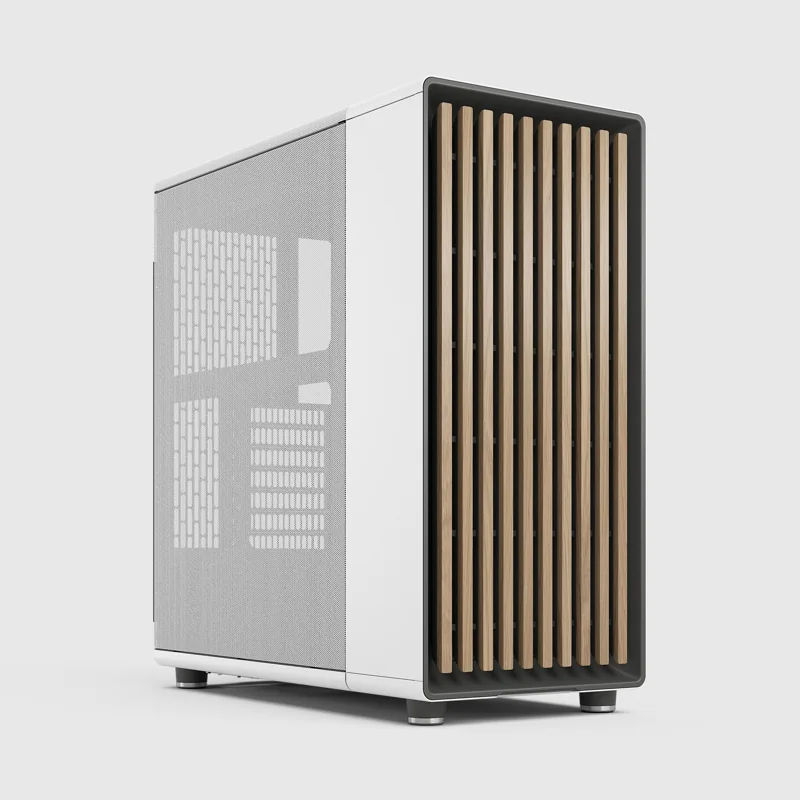 Fractal Design NorthView at Fractal DesignRead our analysis
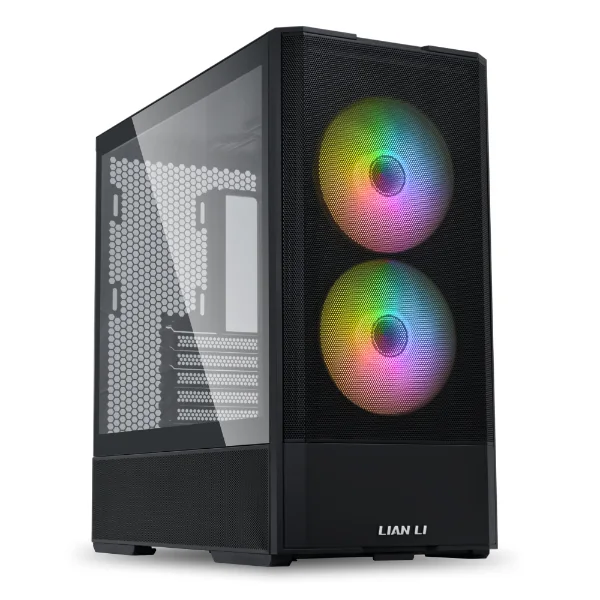 Lian Li Lancool 207View at Lian LiRead our analysis
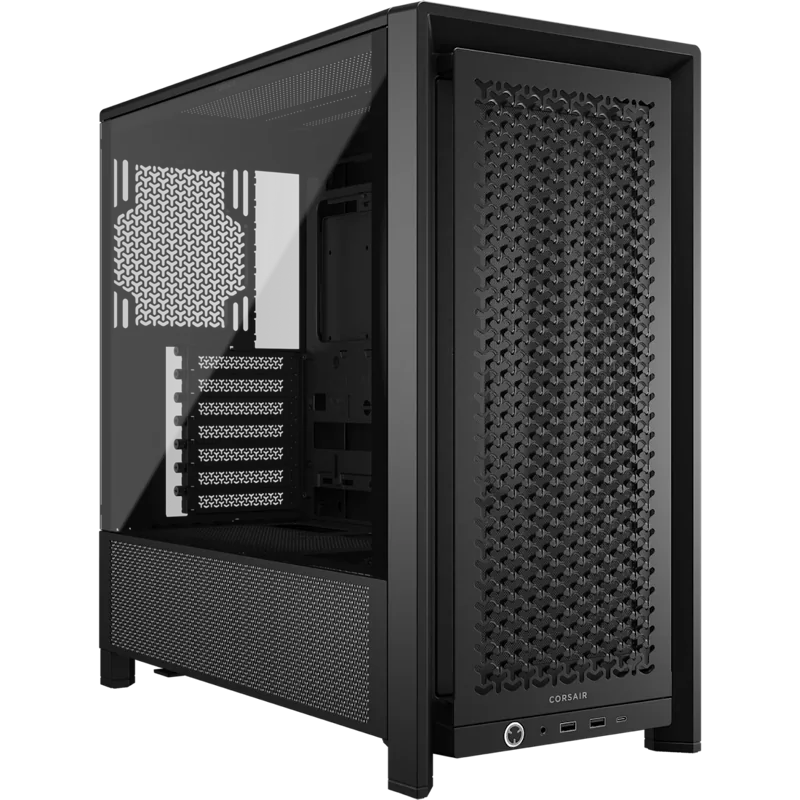 Corsair 4000D RS FrameView at CorsairRead our analysis
A cool gaming PC should do two things: look great on your desk and actually stay cool inside. The best-looking builds manage both. The worst ones trap heat behind glass and lose speed in long sessions.
Short answer: choose one clear style, such as panoramic glass, a wood front or an all-white build, and keep a mesh intake with enough fans. Ready-made, the ASUS ROG G700 and Alienware Aurora stand out. If you build, the Fractal Design North is a standout case.
This guide is part of our cheap gaming PCs hub.
NVIDIA's RTX 50 series page lists the current desktop graphics cards and their specs.
We chose these from current US listings and each maker's published specs.
Our gaming desktop chassis guide compares these and other cases on airflow and fit.
Our verdict:
Best for glass and RGB
Best for buyers who want a roomy case that is easy to upgrade later.
View at ASUSKeep in mind: 16GB of memory is the minimum we would accept at this GPU tier.
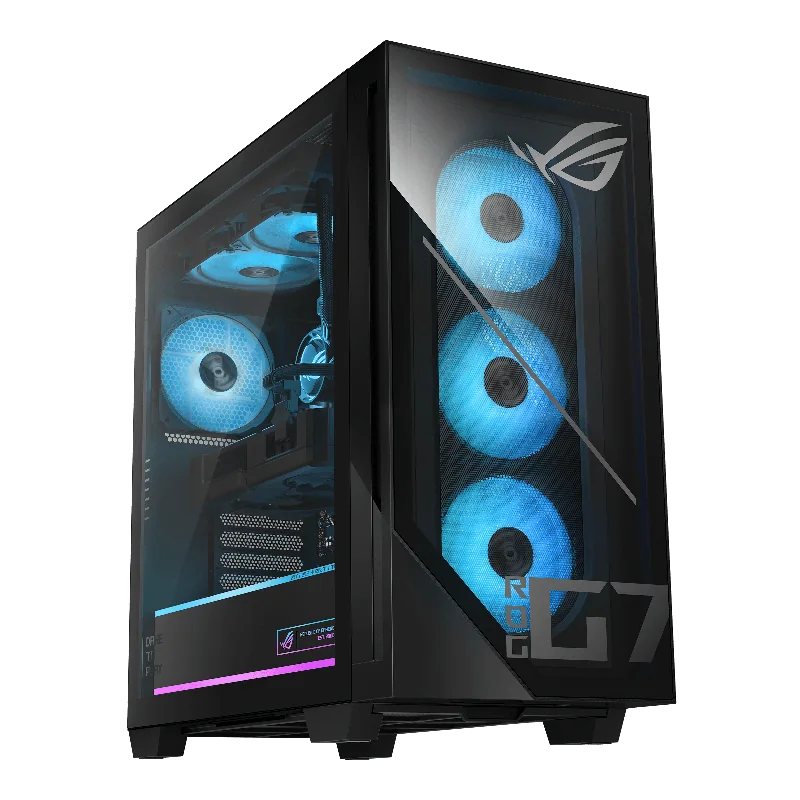
The ROG G700 uses a dual-glass 58-liter case with the ROG Slash design and Aura Sync RGB lighting. It pairs an RTX 5070 with a Core Ultra 7 265F and cools them with four fans and dust filters. The large case fits triple-slot graphics cards.
Alienware Aurora Desktop (RTX 5070)
Our verdict:
Best signature design
Best for players who want a known brand with on-site repair cover.
View at AlienwareKeep in mind: memory and storage vary by listing, so check the exact configuration.
The Aurora has a matte basalt black finish with customizable AlienFX lighting zones, including what Dell calls stadium lighting. It pairs an RTX 5070 with a Core Ultra 7 265F, and the listing includes one year of Dell on-site service.
Our verdict:
Best looks on a lower budget
Best for high settings at 1080p with a processor that has room to grow.
View at SkytechKeep in mind: the 8GB RTX 5060 Ti is best kept at 1080p in the newest games.
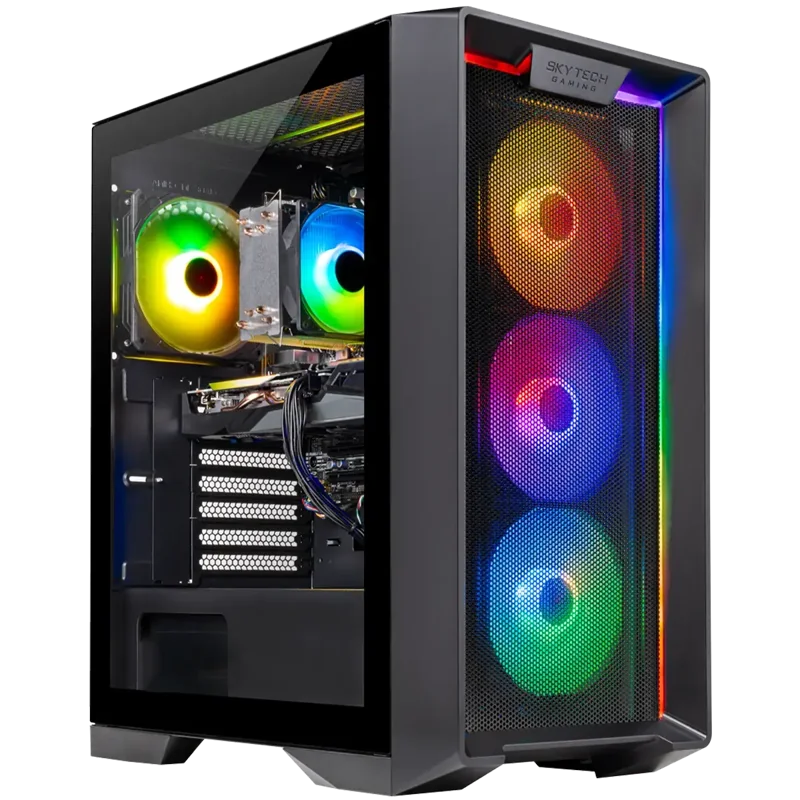
For a lower budget, Skytech's Nebula RTX 5060 Ti system uses a ventilated front panel, a glass side panel and ARGB fans. It pairs the GPU with a Ryzen 7 7700 and 32GB of DDR5.
Our verdict:
Best wood-front case
Best for a gaming PC that looks like furniture rather than a spaceship.
View at Fractal DesignKeep in mind: only two fans in the box, so add more for a hot GPU.
A walnut or oak front with mesh sides and two 140mm fans. It is one of the most distinctive-looking airflow cases.
Our verdict:
Best mirror-fan case
Best for a full ATX build in a smaller-than-usual case with fans already fitted.
View at Lian LiKeep in mind: a compact layout leaves less room for very long graphics cards.
Two 140mm front fans with infinity mirror centers, plus two fans under the graphics card, in a compact ATX case.
Our verdict:
Best modular case
Best for builders who want a modular case with room for big radiators.
View at CorsairKeep in mind: a large mid-tower, so measure your desk space first.
A modular case where you can swap panels and move fans over time, so the look can change with your build.
Panoramic glass. Glass on the front and side with no corner post shows off every part. It looks best with tidy cables and matched lighting. Make sure the case has side or bottom intakes.
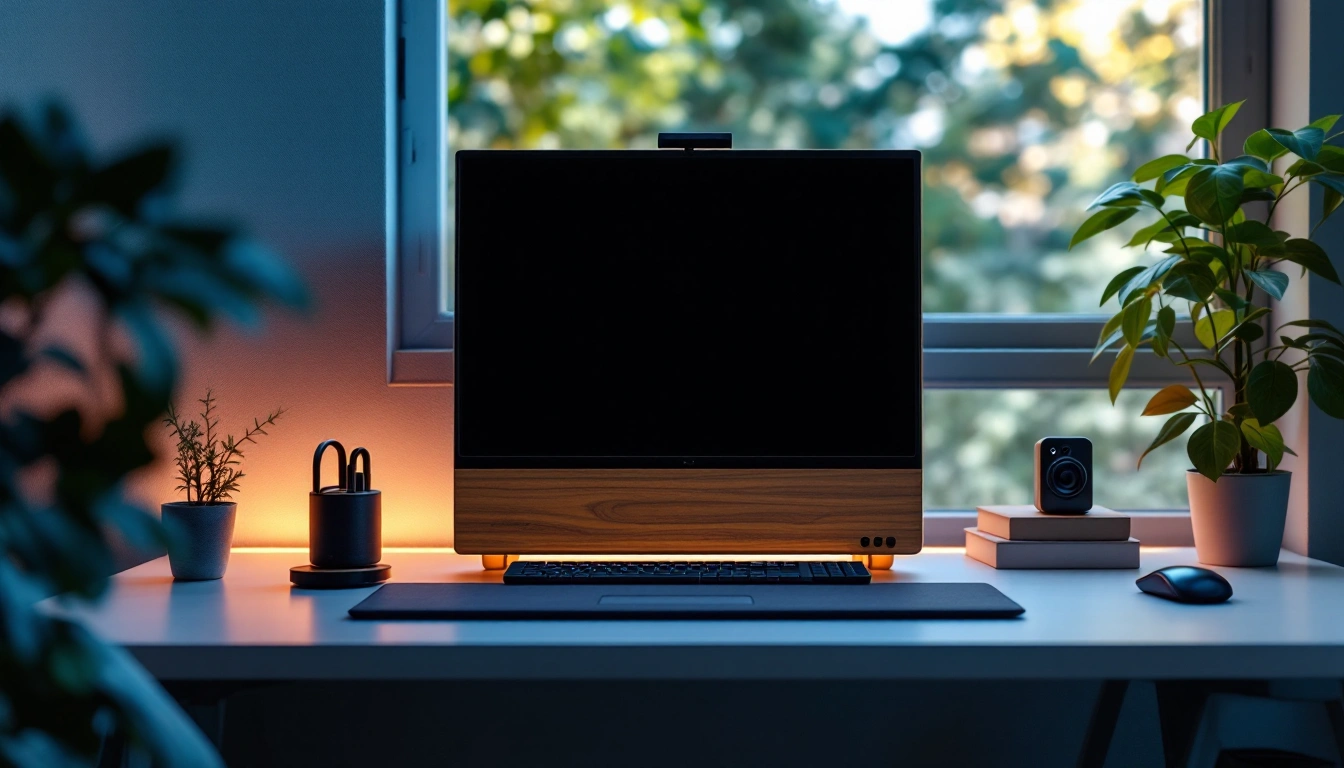
Wood and mesh. A wood front panel with mesh vents looks at home in a living room or office and keeps airflow strong.
All-white builds. White cases, fans and cables give a clean, bright look.
Stealth black. A matte black case with minimal or no lighting. Understated and easy to match to any desk.
Signature designs. Some brands, like Alienware and ASUS ROG, have a distinctive look you can't get from a plain case.
A cool gaming PC picks one clear style and never sacrifices airflow for it. Ready-made, the ASUS ROG G700 and Alienware Aurora have the strongest signature looks with RTX 5070 power inside. If you build, the Fractal Design North brings a warm wood look and good airflow. For raw performance first, see our best gaming PC roundup.
A clear theme. Pick one color scheme or material, such as all white, black and wood, or glass with matched lighting, and keep cables tidy. A consistent look beats a mix of random lighting colors.
Side glass panels are fine. Solid glass front panels can restrict airflow if the case has only small vents. Look for a mesh or perforated front, or side intakes, if you choose a glass-heavy case.
No. Lighting uses very little power and does not change frame rates. Just don't spend money on lighting that should go into the graphics card.