
Graphics Cards
Choosing a Graphics Card: Workloads, Upgrades and Older Desktop Models
The short answer
Choose a graphics card around your display and apps, then check case clearance and power requirements. Match performance evidence to the exact model and workload before committing to an upgrade.
Last updated October 2026
What's covered7
Choose the workload before the graphics card. Write down the games or work apps, display resolution, desired settings and budget. Then check whether an upgrade fits the existing PC or starts a much larger rebuild.
Decide what the GPU needs to do
Gaming needs depend on the exact game and settings. Creative apps can also require specific GPU features, driver versions or video formats. Check the developer's hardware guidance before using a general gaming result to pick a work card.
For portable creative work, compare video-editing laptops. For a desktop, use the PC budget planner and complete gaming PC comparisons to weigh the wider machine.
Read specifications without turning them into a score
NVIDIA's card comparison and AMD's desktop Radeon range are useful starting lists. Current families include GeForce RTX 5050, RTX 5060 and RTX 5060 Ti, and Radeon RX 9060 XT and RX 9070. Shortlist the exact models that match your app features, display and complete budget before comparing performance evidence.
Compare measurements for the same application, resolution and settings, noting the CPU, memory, driver and board version. CUDA-core counts and AMD stream-processor counts use different designs and cannot be compared as units of speed. VRAM capacity matters when a task needs it, but it is only part of the decision.
GTX 960, GTX 970 and GTX 980
These are distinct older desktop models. Do not confuse them with the M-suffix laptop GPUs. NVIDIA's historical GTX 1060 launch comparison identifies the GTX 960 as a Maxwell reference and discusses the GTX 980 in the context of that launch.
For a used GTX 960, confirm the installed memory and exact board. For a GTX 970, check the precise memory behavior and workload evidence rather than relying on one headline capacity number. For a GTX 980, inspect power plugs and the board's physical size. Use the partner's original specification for each card and confirm driver support for your OS.
GTX 1060 3GB and 6GB, and GTX 1070
The GTX 1060 name covers different configurations. NVIDIA's launch record describes the original 6GB card; that is not a specification sheet for the 3GB version. Check the exact device and memory before comparing results.
GTX 1070 is another Pascal-era model, not a GTX 1060 with a different label. Find the exact board partner specification and compare tests that include both devices on the same platform. A result from the launch period cannot prove current software compatibility.
Radeon RX 480 and R9 390
These are different Radeon generations. Identify the full board model and memory configuration. AMD's driver finder is the place to check available software for the precise product and OS. The absence of a current sale listing is not a performance result.
For either used card, inspect fans, output ports and power plugs, then ask for a sustained workload demonstration. Use the full board-partner model to find its dimensions and power requirements. Compare the actual unit with that specification before planning the upgrade.
A historical comparison is a reference, not a present recommendation
When comparing GTX 960, 970, 980, 1060 or 1070 with RX 480 or R9 390, include current software support and the condition of each unit. Check return terms and the cost of power or cooling changes. Compare today's complete purchase cost with another suitable card.
Check the rest of the PC
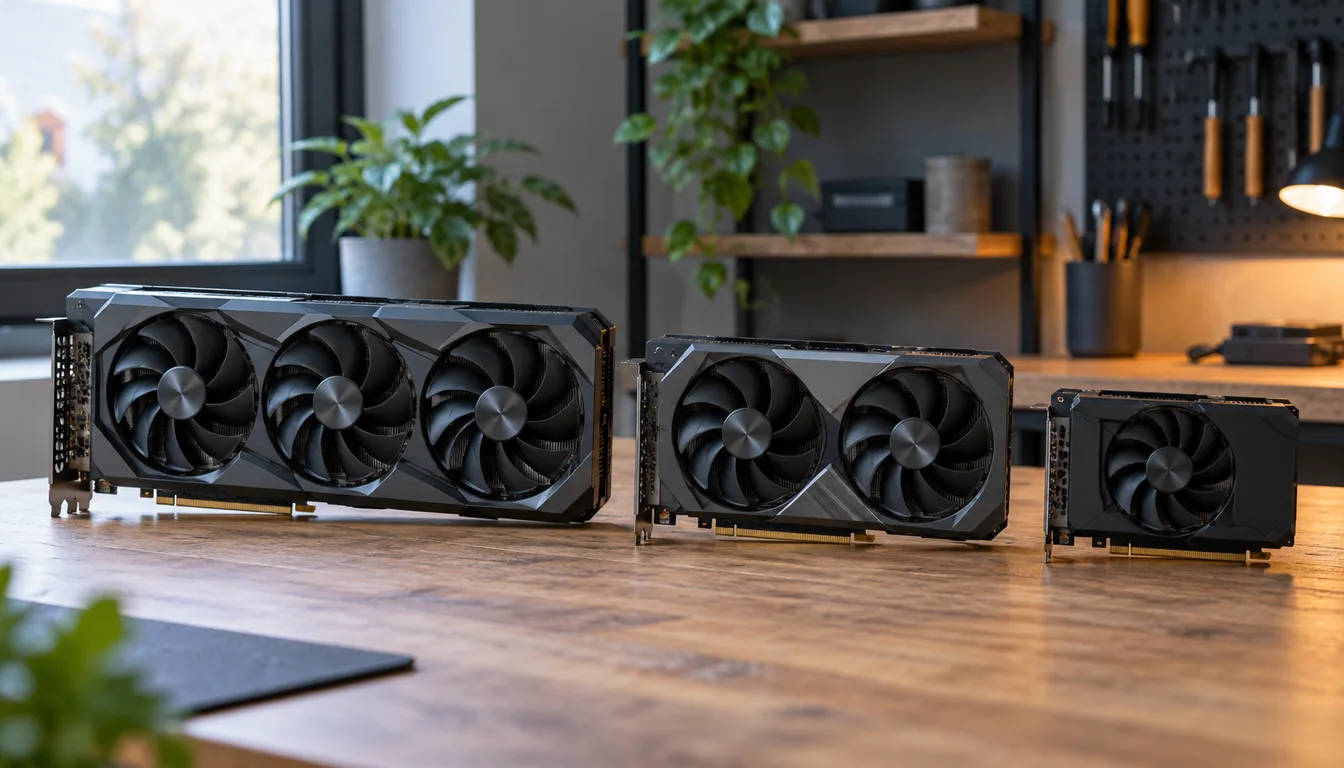
Read the case clearance and PSU requirements from the exact board specification. Check the motherboard slot, monitor outputs and any adapters. A card can fit the slot yet fail the cooling or cable-space check. Also confirm whether your monitor connects to the discrete card rather than the motherboard.
Choose a supported device that solves the workload at a reasonable total cost. Keep the current card if the evidence does not show a useful improvement. For narrower budgets, use our affordable GPU checks or mid-range GPU guide.