
Graphics Cards
Mid-Range Graphics Cards: Balancing Workload, Memory and Power
The short answer
Choose a mid-range GPU around the games and display you use. Count memory, power and software needs alongside performance, then compare the full cost within your budget.
Last updated October 2026
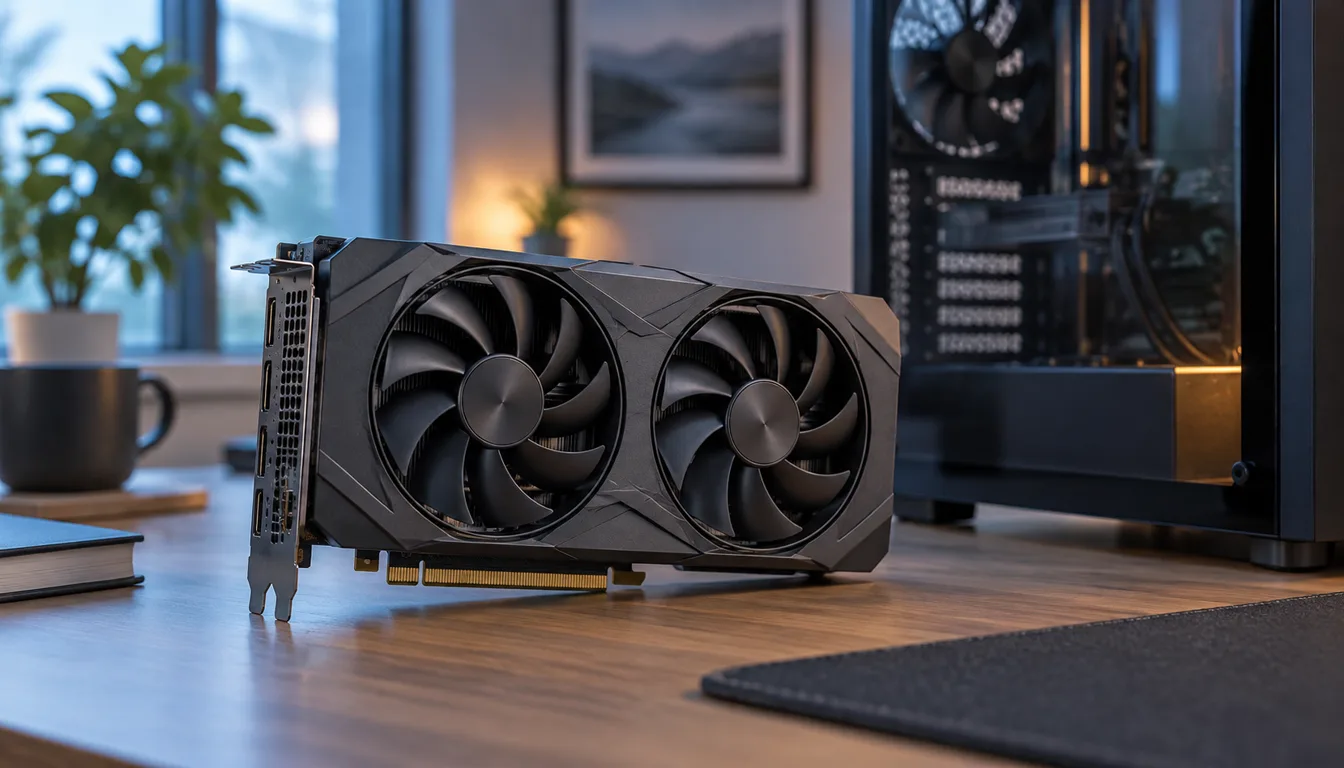
What's covered7
Mid-range is a relative label. The useful question is whether a card meets your workload at a cost you can justify. A familiar model name or a large amount of memory is not enough to answer it.
The $200 to $400 budget question
This range is a spending plan, not a statement that any named card is sold within it today. Include taxes, shipping, PSU work and adapters. Compare the current complete cost of new and used choices. A card that fits the sticker-price range may still be the wrong upgrade.
Use the PC planner to see how the GPU purchase fits the machine. If you also need a CPU, cooler and storage, a complete gaming PC may be worth comparing.
Card families and memory variants to compare
NVIDIA's RTX 5060 family page lists RTX 5060 Ti versions with 8GB or 16GB of GDDR7. AMD's Radeon range lists RX 9060 XT versions with 8GB or 16GB. Match the exact memory variant to your workload, then check the board's dimensions, power requirements and complete cost. A family name does not establish an offer within $200 to $400.
1080p, 1440p and the games you play
Higher resolution creates more pixel work. High refresh can also expose a CPU limit. A fast GPU cannot solve every frame-rate problem if the game is waiting for the processor or memory.
Use tests of the exact games, resolution and settings. Record whether ray tracing, upscaling or generated frames are enabled, and compare matching modes. Those settings change what an FPS figure describes and can affect image quality as well as speed.
Memory and creative workloads
VRAM is where a GPU keeps working data. Too little for a particular task can restrict it, but extra capacity does not make a slower processor automatically faster. Check the app's supported GPUs and requirements for your project.
Video editing, rendering and local compute can have software-specific needs. Compare codec support, available plug-ins and the application's supported driver. NVIDIA's model comparison and AMD's Radeon specifications describe features; they do not establish speed in every app.
Historical GTX 1060, RX 480 and RX 470 comparisons
The older GTX 1060 3GB-versus-6GB question matters because the versions are not identical configurations. NVIDIA's GTX 1060 launch record describes the original 6GB model. Check the exact version rather than borrowing its specifications for another card.
For RX 480 and RX 470, identify the full board model and memory configuration. Check the precise product and OS in AMD's driver finder. Then examine support for your intended games, the condition of the unit and the cost of any required parts.
Power, cooling and case fit
Read the board partner's specification for card length, thickness and plugs. Check the PSU model and available connectors. Consider the case airflow and the space left around the card after fitting it. Follow our PC compatibility guide before ordering.
The GPU's published power figure is not the whole computer's power demand. Also distinguish reference specifications from a factory-overclocked board with a different cooler. Do not treat an adapter as a substitute for a suitable power supply.
New versus used
A new card can offer clear warranty terms and a known condition. A used card can lower the initial cost, but its fans, cooler and connectors need inspection. Ask for the exact model, real photographs and a return window. A video showing the desktop is weaker evidence than a sustained workload without errors.
Choose the least costly option that meets the workload with acceptable support and purchase terms. If neither option does, adjust the target settings or budget. A mid-range label should follow the decision, not make it for you.