
Graphics Cards
Affordable Graphics Cards for 1080p: New and Used Buying Checks
The short answer
The best affordable graphics card is one that meets your games at the intended settings without forcing an expensive PSU or case change. Compare the complete upgrade cost.
Last updated October 2026
What's covered7
An affordable card should fix a specific limit in your PC. Write down the games, monitor resolution, desired settings and the current hardware. A very cheap used card can be poor value if it needs repairs or no longer has suitable software support.
Buying below $200 for 1080p
The $200 figure is a budget ceiling, not a verified current price for any model. Compare current seller offers and include tax, delivery and required parts. If a card costs almost the full allowance, a new PSU may push it out of budget.
At 1080p, check the exact games you play. A lighter strategy game and a recent high-detail game can ask for very different hardware. Use the developer's minimum and recommended requirements as a starting point. They are not a promise about frame rate at your settings.
Four sensible routes to compare
Keep integrated graphics for now: reasonable if your games already run acceptably and the purchase would force compromises elsewhere. Save for a card that solves the measured limit rather than buying any discrete GPU.
Buy a supported low-power card: useful in a compact or older PC when the exact PSU and slot constraints allow it. Check the card manufacturer's power connections, profile height and outputs. A short card can still be too thick.
Compare a used mainstream card: ask for evidence of sustained operation and a return window. Inspect fans, connectors and any repair work on the actual board. Its complete model code matters when checking power needs and software support.
Compare a complete used PC: sometimes the wider machine needs enough work that a card alone is a poor upgrade. Our gaming PC comparisons help you weigh complete systems.
Card families to put on a shortlist
NVIDIA's model comparison lists the GeForce RTX 5050 and RTX 5060. AMD's desktop Radeon range includes the RX 9060 and RX 9060 XT. Use these as models to check against your games and available offers. None is guaranteed to fit a $200 allowance; compare the exact board, complete upgrade cost and purchase terms.
Check fit before performance
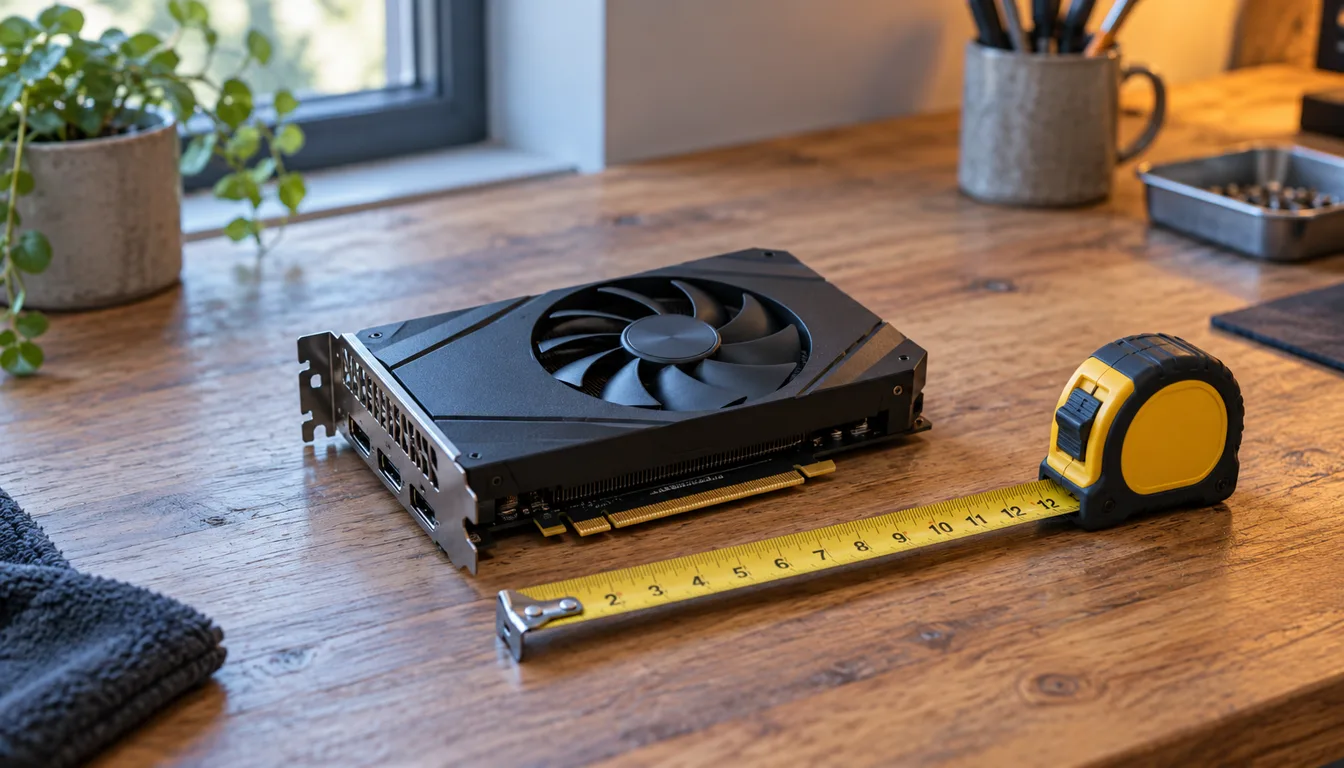
Measure available card length and thickness, allowing for cables and front-mounted fans. Read the PSU label and check the plugs the exact card needs. Do not substitute improvised power adapters for the manufacturer's requirements.
NVIDIA's card comparison and AMD's Radeon product information are starting references for model features. The board partner's specification resolves the actual cooler size and power connections. Use our PC build guide to check the rest of the machine.
Compare useful performance evidence
Look for an original test using your game, resolution and settings. Note the CPU, driver and tested card version. Compare slower frames as well as average FPS. Do not mix results from different test systems into a precise ranking.
Check whether the test explains memory use as well as frame delivery. VRAM capacity is one constraint alongside the GPU processor, memory bandwidth, game features and software support. A larger memory number alone cannot rank two cards.
Used-card checks
Ask for the full model code and clear pictures of the actual card. Check ports, fan behavior, heatsink damage and signs of repair. Request evidence that it runs a sustained workload without display artifacts or crashes, then make sure the return terms cover a fault discovered after delivery.
An unknown past does not prove mining use or damage. Equally, a seller's claim that a card was never mined does not establish good condition. Prefer observable condition and a workable return route.
Make the budget work
Use the PC budget planner to reserve money for the complete machine. If the GPU allowance is too small for the workload, change the settings, consider a supported used option or wait. Avoid spending the budget on a card that leaves you needing another expensive upgrade immediately.